Apple Cinema Display (20-inch) Take Apart - 21
Display Panel
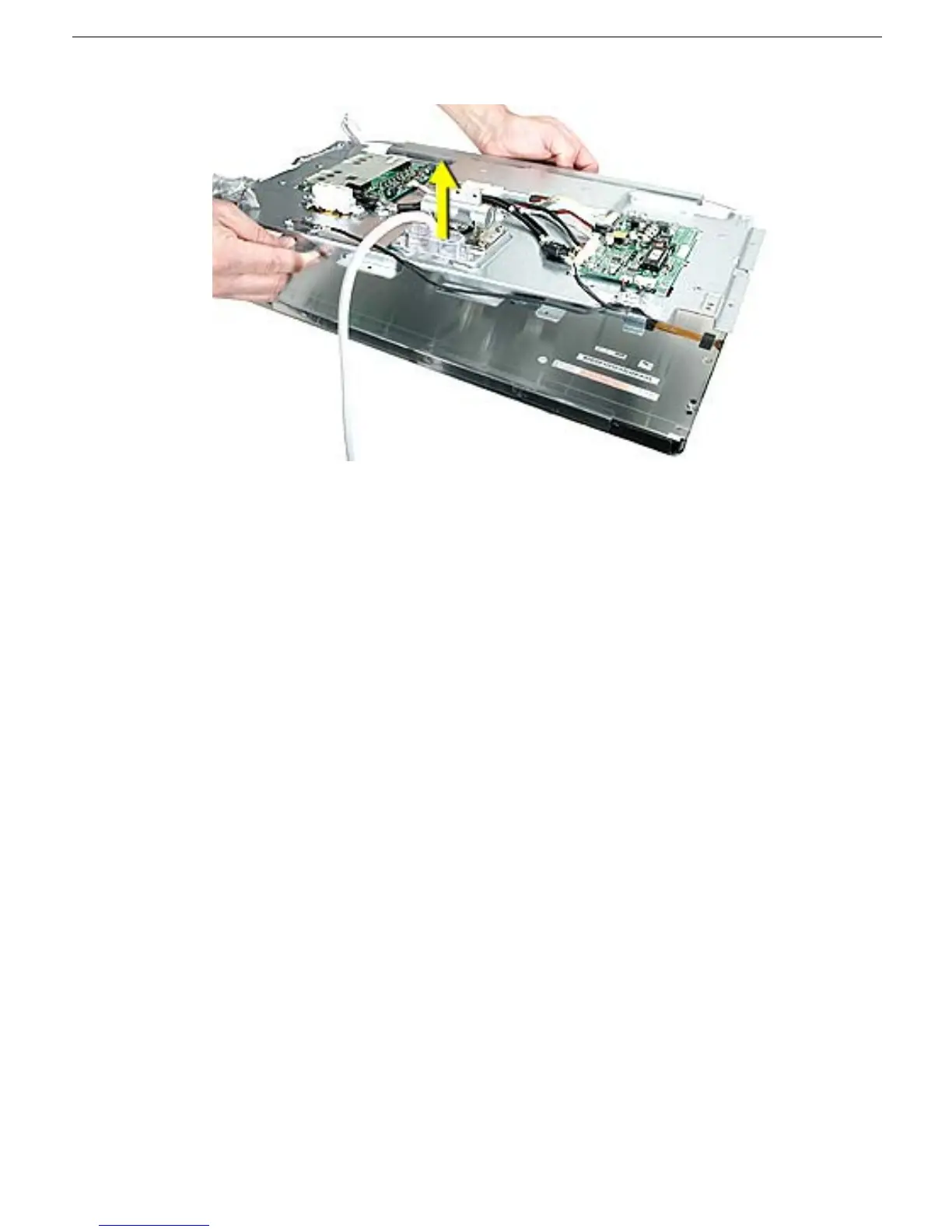
6. Remove chassis, being careful not to catch wires.
Replacement Note: Be careful not to catch or pinch the backlight bulb wires.
Replacement Note: Replace the long corner screws first, before the top and bottom side
screws.
Note: The top side and bottom side screws are different. The screws for the top have a flat
head. The screws for the bottom have a rounded head.



 To Next Page