8 -
Cinema HD Display (23-inch DVI) Take Apart
Display Stand
6. Route the display cable through the opening in the stand.
7.
Important:
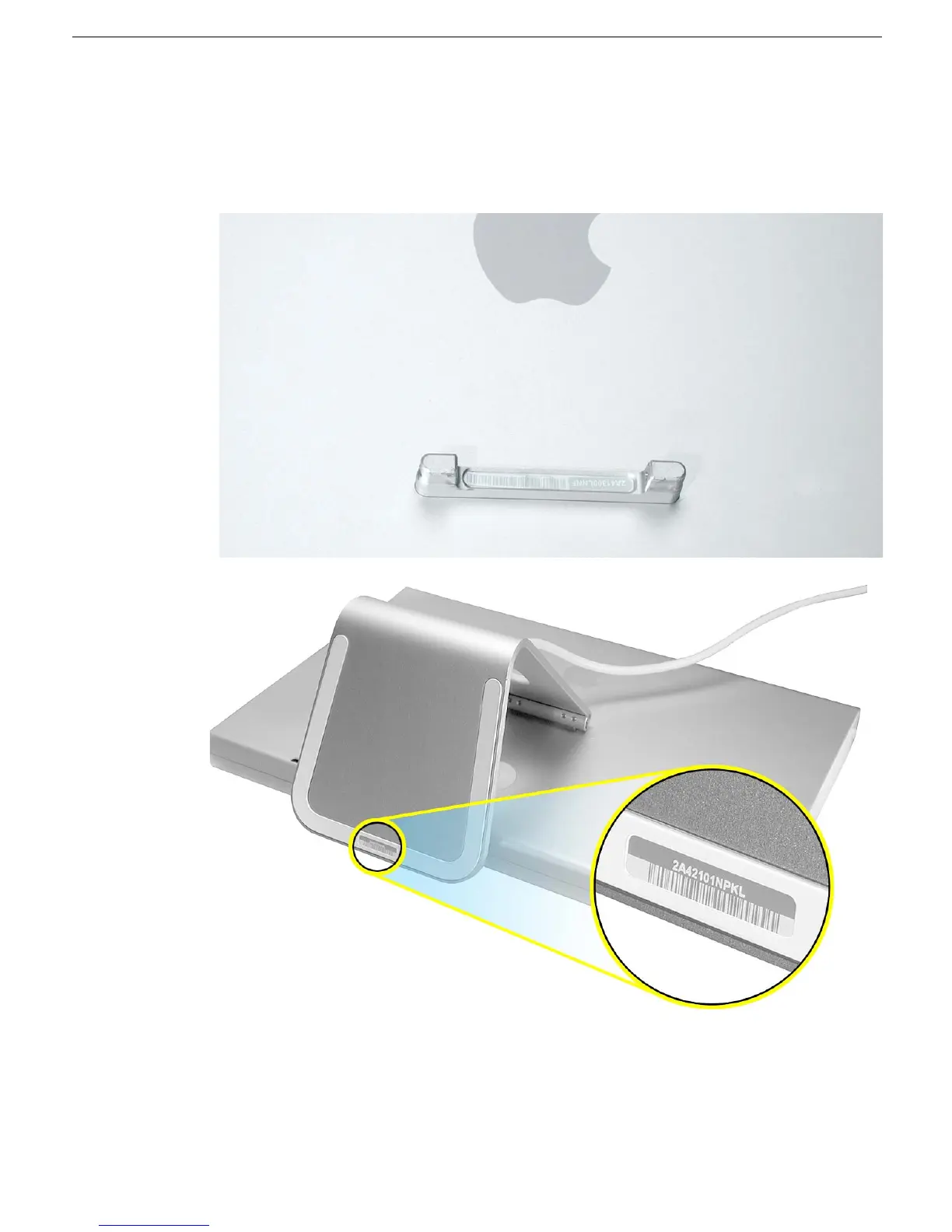
If you are installing a new replacement stand, be sure to apply a blank
label to the stand, and then copy the serial number from the mounting bracket at the
back of the display housing to the blank label on the stand.



 To Next Page