Cinema HD Display (23-inch DVI) Take Apart -
7
Display Stand
Procedure
Warning: Turn off the display and disconnect the cable.
Warning:
Use correct lifting techniques when positioning the display. When lifting
or carrying the display, grasp the edges. Do not lift the display by the stand or the
cable.
1. Place the display face down on a clean cloth.
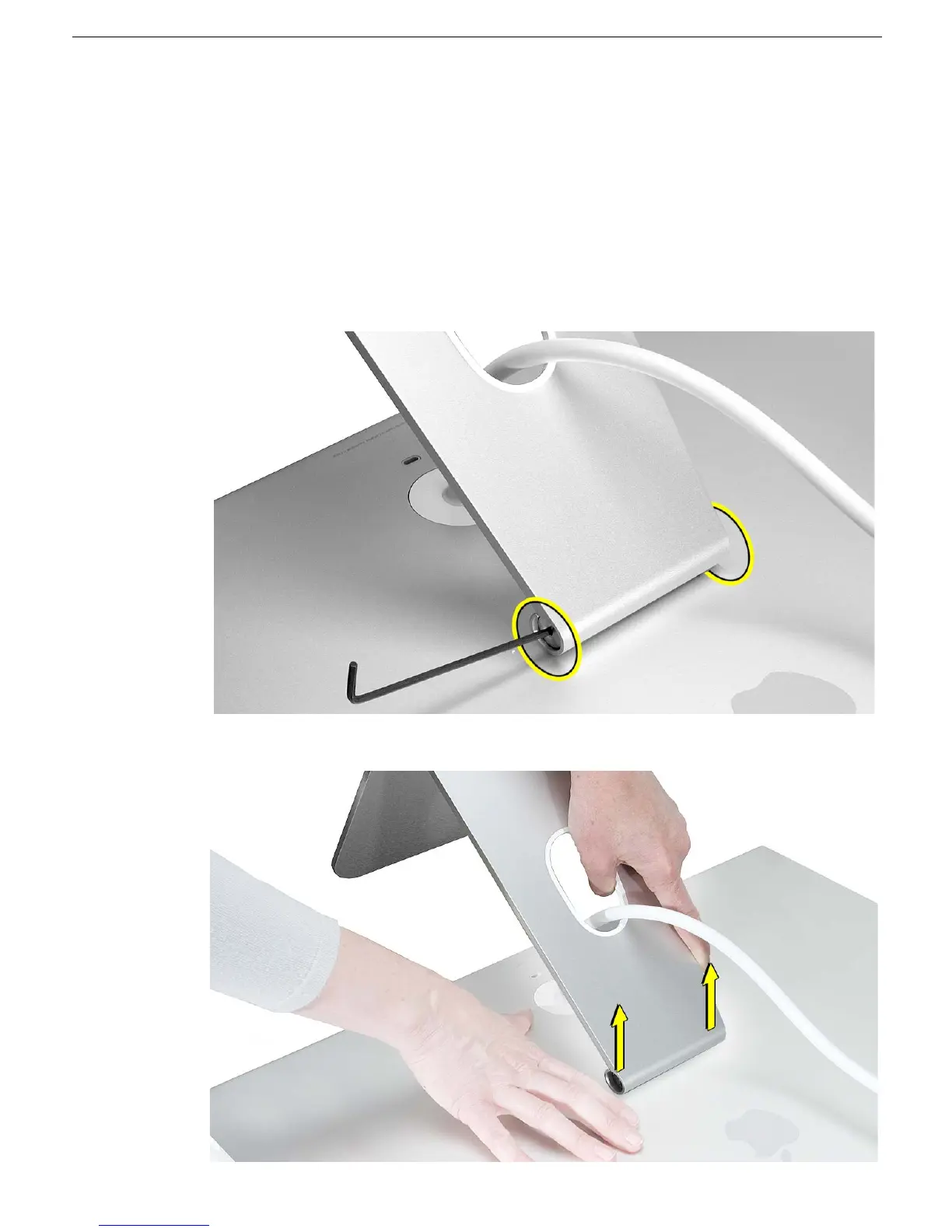
4. Remove the screw at each end of the display stand hinge.
5. With the screws removed, grasp the stand, and pull it off of the hinge.



 To Next Page