10 -
Cinema HD Display (23-inch DVI) Take Apart
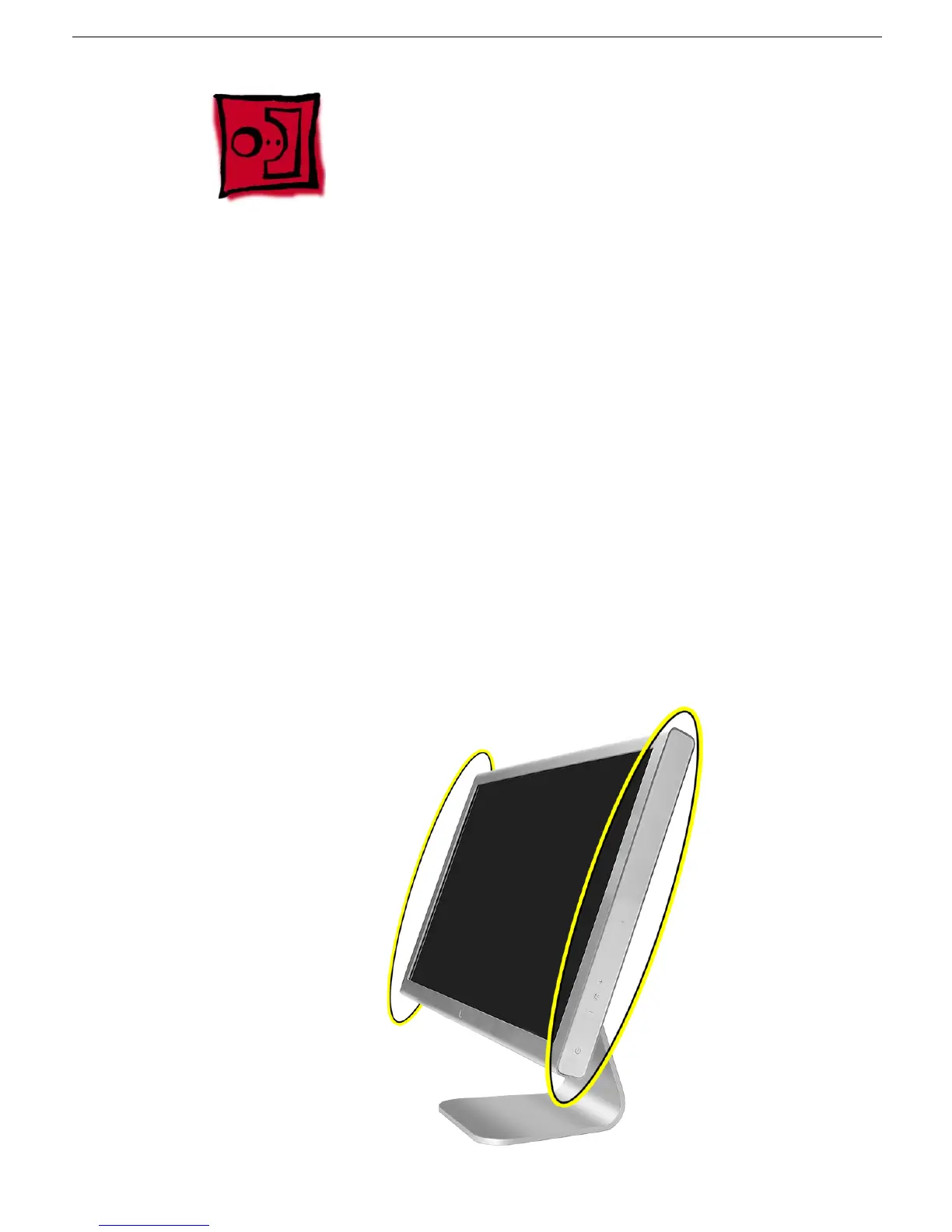
End Caps
End Caps
Tools and Materials
This procedure requires the following:
• black stick (Apple part number 922-5065) or other nonconductive nylon or plastic flat-
blade tool
• suction cup with handle
• white cotton gloves (Apple part number 922-1592) to prevent fingerprints on cosmetic
surfaces
• ESD mat or soft cloth
• 50/50 blend of isopropyl alcohol and water
• clean, lint-free cloths
• 3M Tape Primer 94
• Paintbrush or cotton swabs
• End cap tape replacement kit
Part Location



 To Next Page