Apple Cinema HD Display (23-inch DVI) Trouble-
USB Devices Symptom Charts
USB Devices
USB device not working
1. Reseat all external cable connections.
2. Verify that the display’s USB cable is connected to a good USB port.
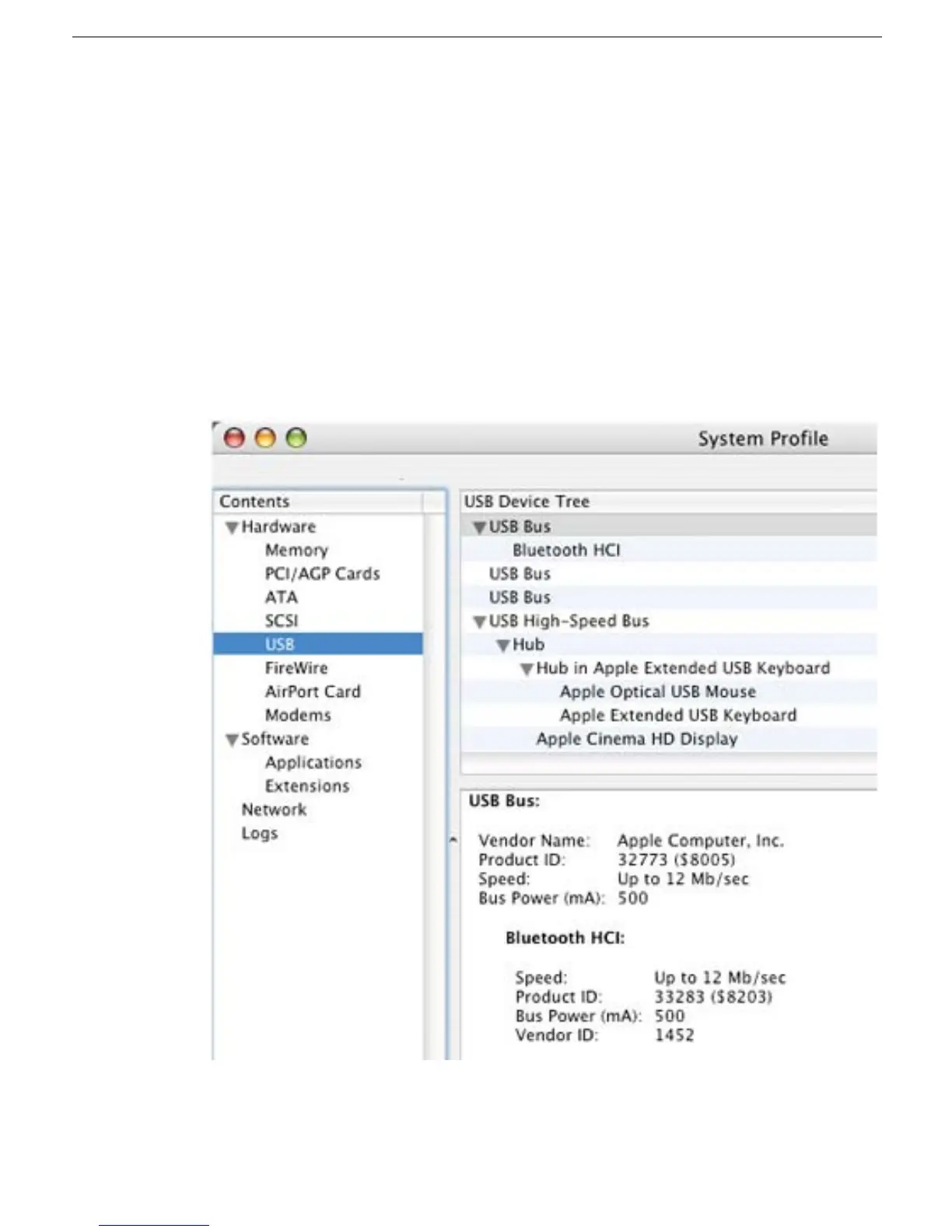
3. Plug the display into a computer with a known-good DVI display port, then start up the
computer. On the back of the display, connect a known-good USB device into one of
the USB ports, then open System Profiler to see if it is recognized under USB High-
Speed Bus: Hub. Check the device in both USB ports.
If the USB device is recognized by System Profiler, the customer’s USB device may
be the issue.



 To Next Page