8 -
Apple Cinema HD Display (23-inch DVI) Trouble-
USB Devices Symptom Charts
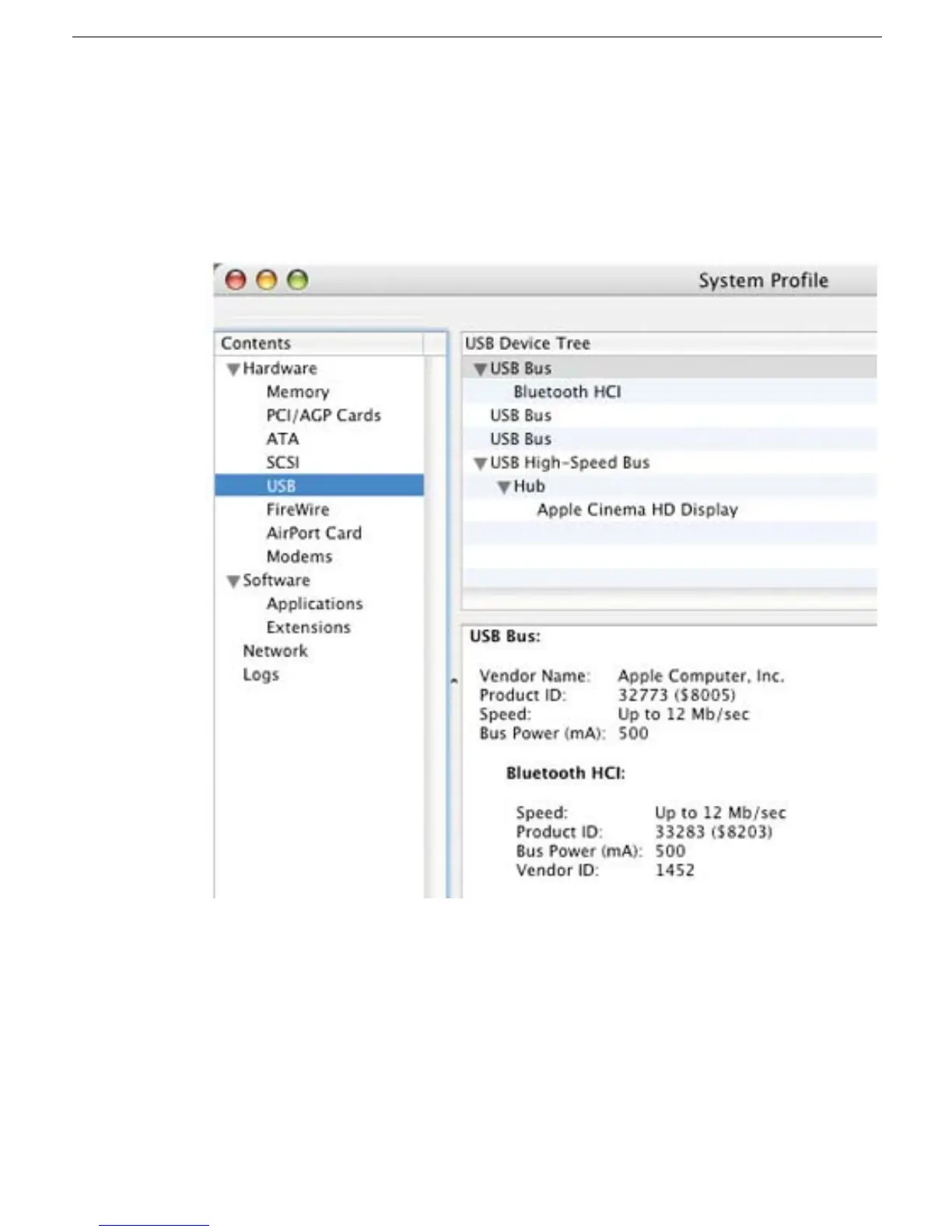
4. If the device is not recognized, the System Profile window lists only the display in the
USB High-Speed Bus Hub, as shown below.
In this case, check the J8, J9, and J10 USB connectors on the lower right corner of
the main board. Inspect the USB cables for damage.
– If the cables are fine, replace the main board.
– If the cables are damaged, replace the I/O panel.
5. If the System Profile window shows nothing under USB High-Speed Bus Hub, check
the USB connection to the computer. If the connection is fine, reseat the cable and
refresh the window. If there is no change, check the cable connection at J10 on the
lower right corner of the main board (black shrink-wrapped cable).
• If the cable or cable connector is damaged, replace the display cable.
• If the J10 connector on the main board is damaged, replace the main board.



 To Next Page