eMac Battery -
2
Replacing the Battery
1. Save open documents and quit all open applications.
2. Turn the computer off by choosing Shut Down from the Special menu.
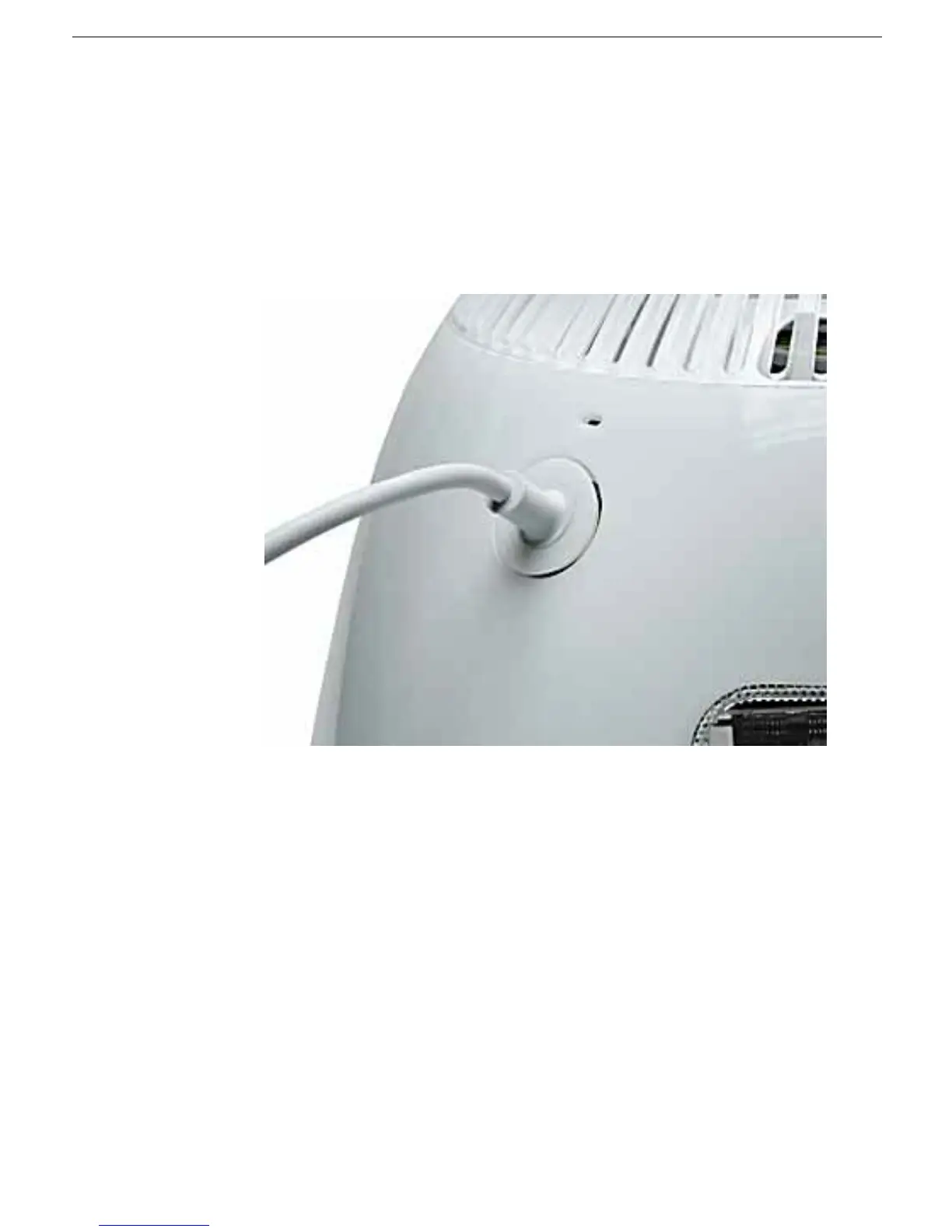
3. Unplug all cables, except the power cord, from the computer.
Warning:
If the internal
modem is connected to a telephone line, disconnect the telephone line from the
internal modem port before you open the user access door. This prevent electric
shock.
4. Place a soft towel or cloth on the desk or surface.



 To Next Page