eMac Battery -
4
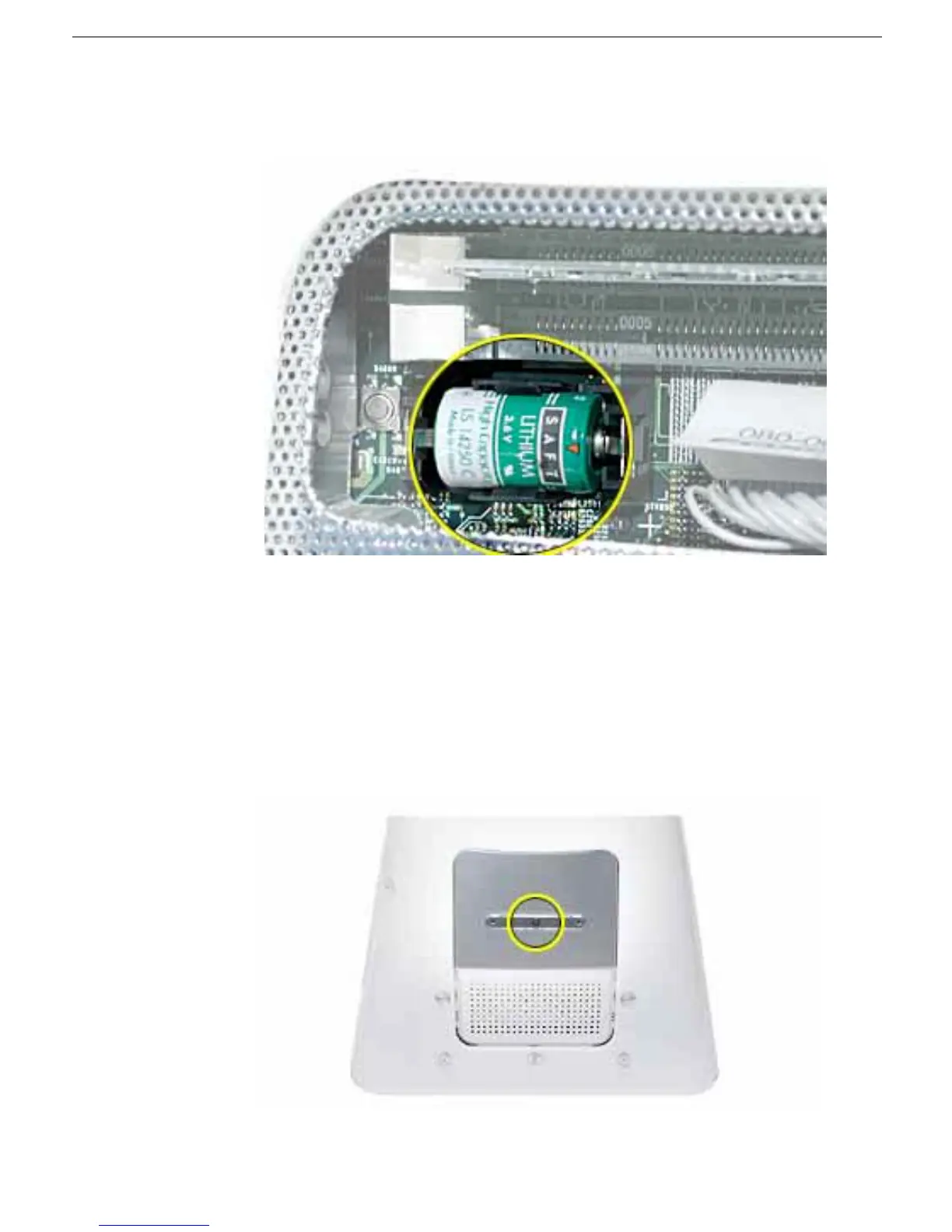
8. Note the orientation of the installed battery’s positive (+) end. (Positive and negative
signs are also marked on the logic board.)
9. Carefully use a flat-blade screwdriver to pry the battery up and out of the holder.
Warning: Batteries contain chemicals, some of which may be harmful to the
environment. Please dispose of used batteries according to your local
environmental laws and guidelines. Do not return used batteries to Apple.
10. Insert the new battery into the holder, making sure the battery’s positive and negative
signs align with those on the logic board.
11. Replace the screw on the user access panel..
12. Gently turn the computer right side up.



 To Next Page