eMac Memory -
5
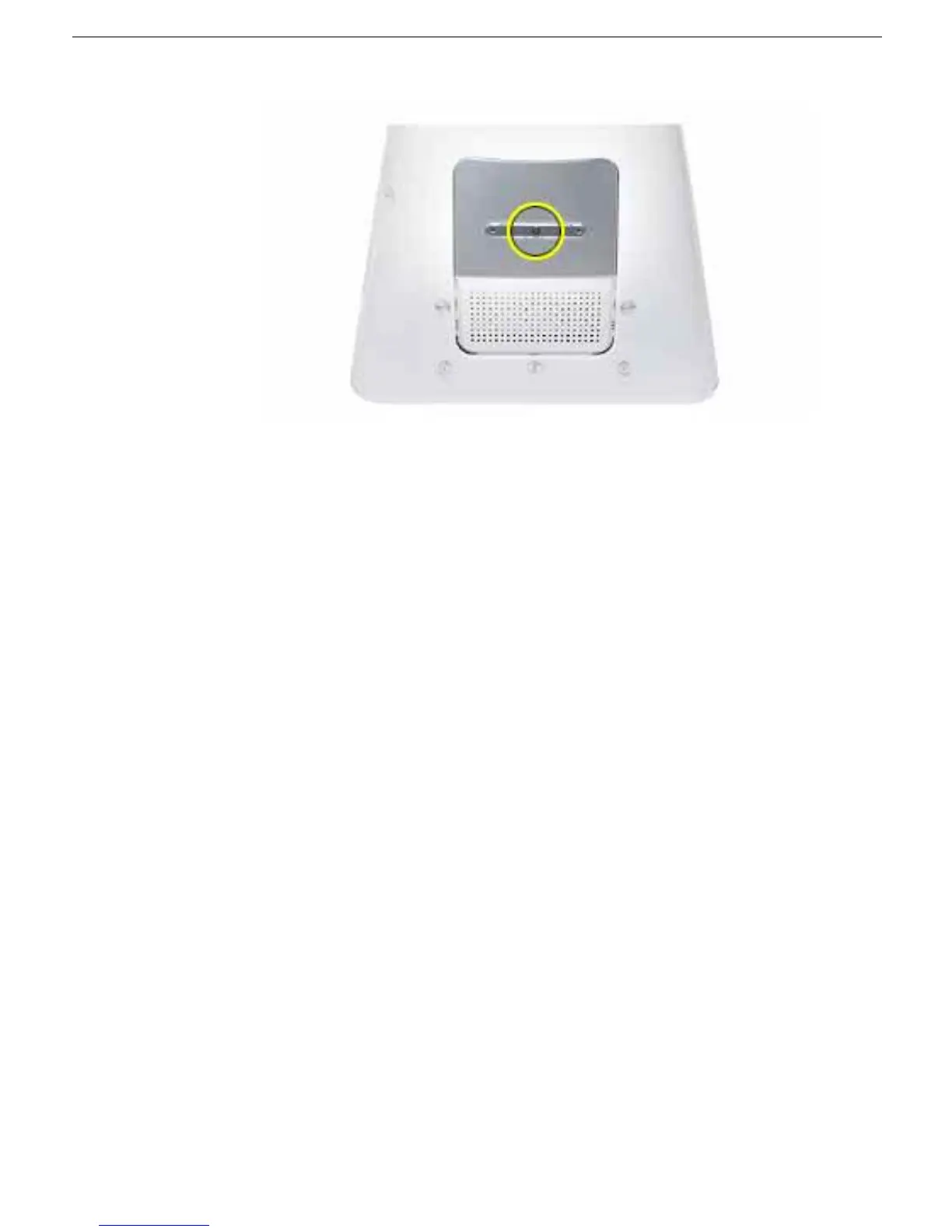
11. Replace the screw on the user access panel.
12. Gently turn the computer right side up.
13. Reconnect the cables you disconnected from the computer.
Important:
When
connecting the power cord, first plug the cord into your eMac, then plug the other end
into an electrical outlet or power strip.
14. Press the Power button on the computer to turn it on.
Warning: Never turn on the
computer unless all of its internal and external parts are in place and it is
closed. Operating the computer when it is open or missing parts can damage
your computer or cause injury.



 To Next Page