22 Chapter 2 Getting to Know Your eMac
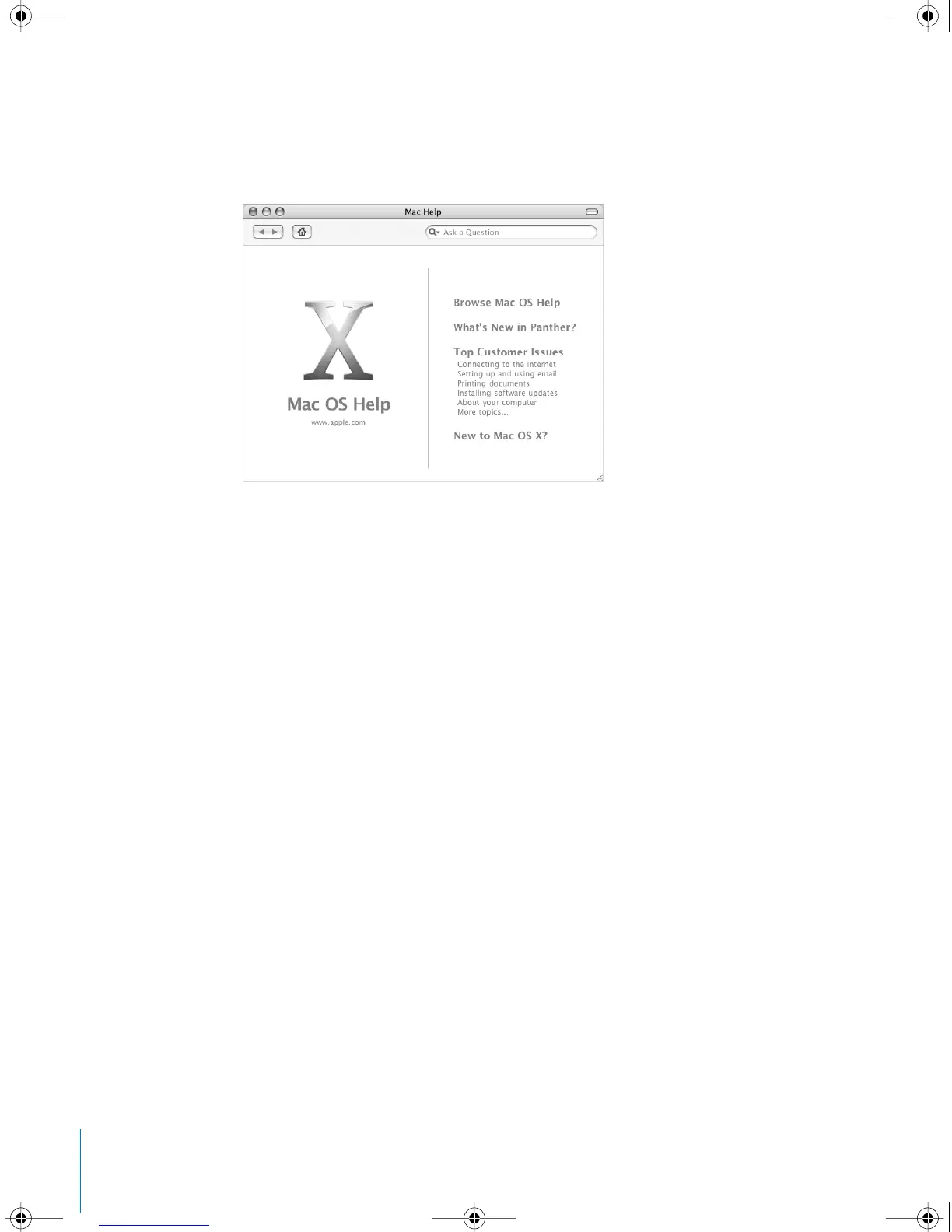
Getting Answers to Your Questions Using Mac OS Help
You can find answers to most of your questions about using your computer and
Mac OS X using Mac OS Help onscreen.
To use Mac OS Help:
1 Click the Finder icon in the Dock.
2 Choose Help > Mac Help (click the Help menu and choose Mac Help).
3 Type a question and press the Return key on your keyboard.
4 Double-click an item in the list of Help topics.
LL2522.book Page 22 Wednesday, February 18, 2004 11:53 AM



 To Next Page