26 Chapter 3 Using Your Computer
FireWire
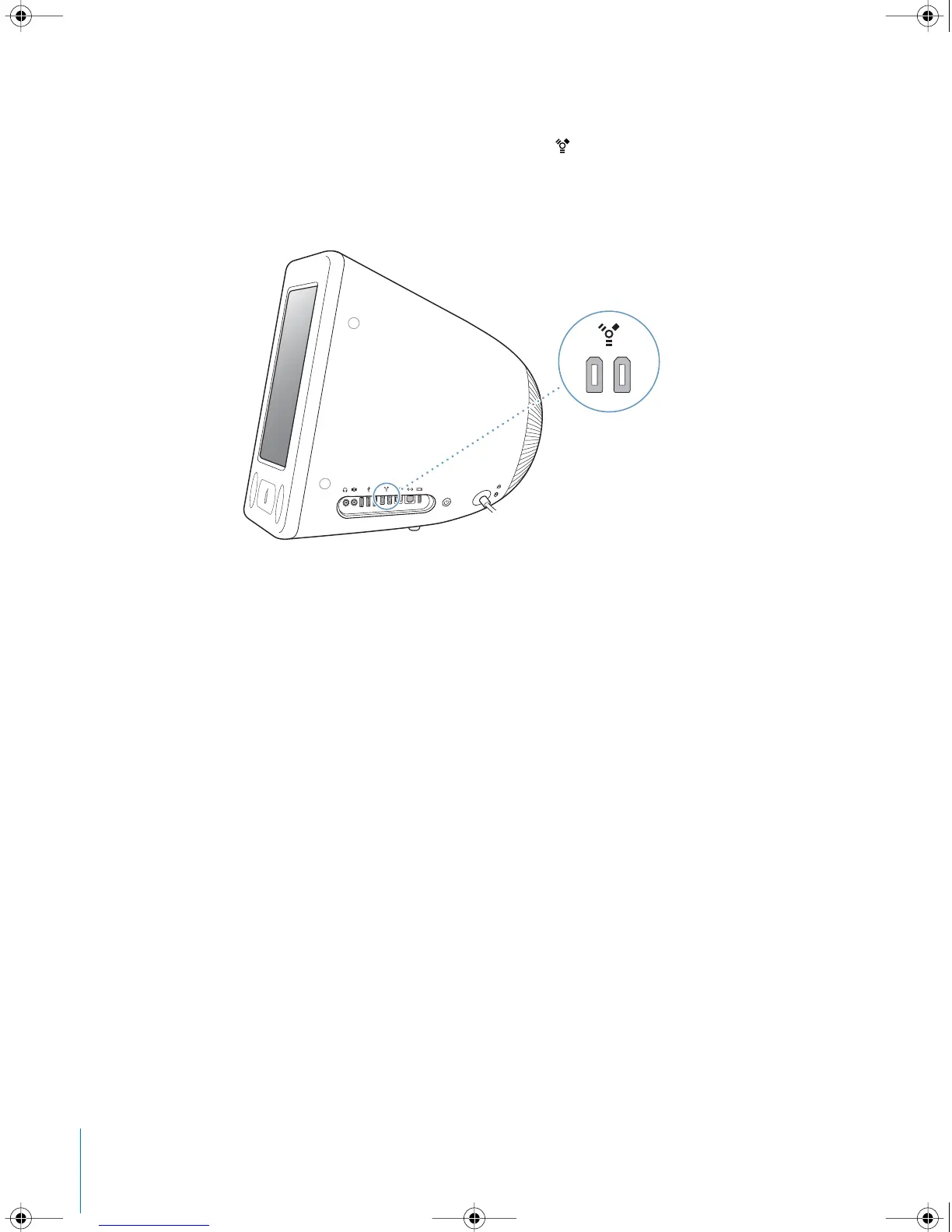
Your computer has two FireWire 400 ports ( ). FireWire lets you easily connect and
disconnect external high-speed devices—such as an iPod, an iSight camera, DV
cameras, printers, scanners, and hard disks. You can connect and disconnect FireWire
devices without restarting your computer.
These are some of the things you can do with FireWire:
• Connect an iPod and transfer thousands of songs from iTunes or synchronize contact
and calendar information using iSync. You can also use iPod as an external hard disk,
to transfer files.
• Connect a digital videocamera and capture, transfer, and edit high-quality video
directly on your computer using video-editing software such as iMovie, Final Cut Pro,
or Final Cut Express.
• Connect an external FireWire hard disk drive and use it to back up data or transfer
files.
A FireWire hard disk icon appears on your desktop after you connect the drive to
your eMac.
• Start up from an external FireWire hard disk. Connect an external FireWire disk (with
a valid operating system installed on it), open the Startup Disk pane of System
Preferences, and click the FireWire disk. Restart your computer.
LL2522.book Page 26 Wednesday, February 18, 2004 11:53 AM



 To Next Page