Chapter 3 Using Your Computer 29
For More Information on AirPort
To purchase an AirPort Extreme Base Station, contact your Apple-authorized dealer or
go to the Apple Store at www.apple.com/store.
Additional information on AirPort is available in AirPort Help. Choose Help > Mac Help,
then choose Library > AirPort Help. You can also find information on the Apple AirPort
website at www.apple.com/airport and in the Apple Knowledge Base at
kbase.info.apple.com.
Bluetooth Wireless Technology
If your eMac has the optional Bluetooth
®
module, you can connect wirelessly
to devices, such as Bluetooth enabled mobile phones, digital cameras, and the
Apple Wireless Keyboard and Apple Wireless Mouse (available for purchase at
www.apple.com/store).
For more information about using Bluetooth wireless technology, open Bluetooth
File Exchange in the Utilities folder (inside the Applications folder) and choose
Help > Bluetooth Help.
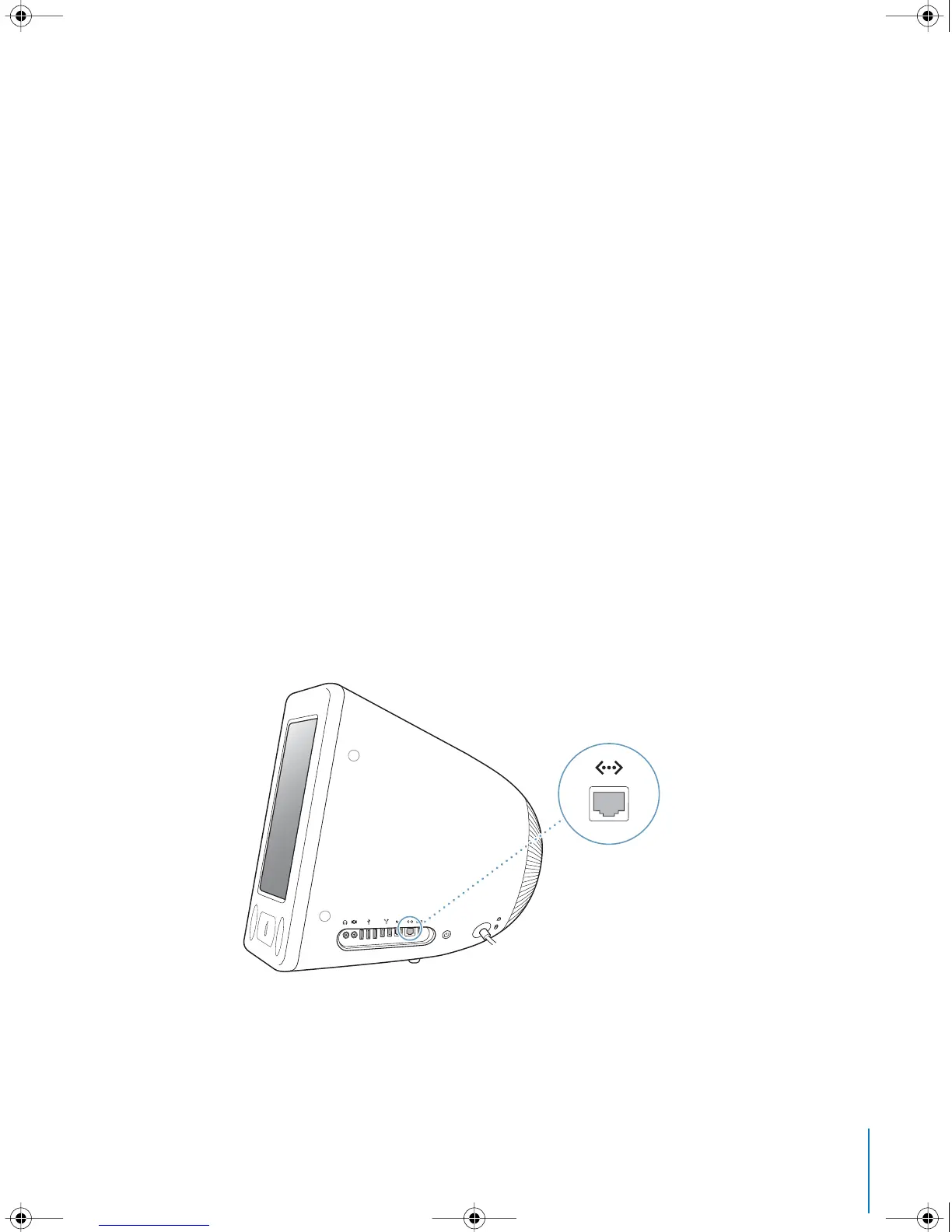
Ethernet (10/100Base-T)
Your computer comes with built-in 10/100 megabit per second (Mbps) Base-T
(twisted-pair) Ethernet networking capability, which you can use to connect to a
network or to a cable or DSL modem.
LL2522.book Page 29 Wednesday, February 18, 2004 11:53 AM



 To Next Page