Chapter 3 Using Your Computer 33
Inserting a CD or DVD Disc
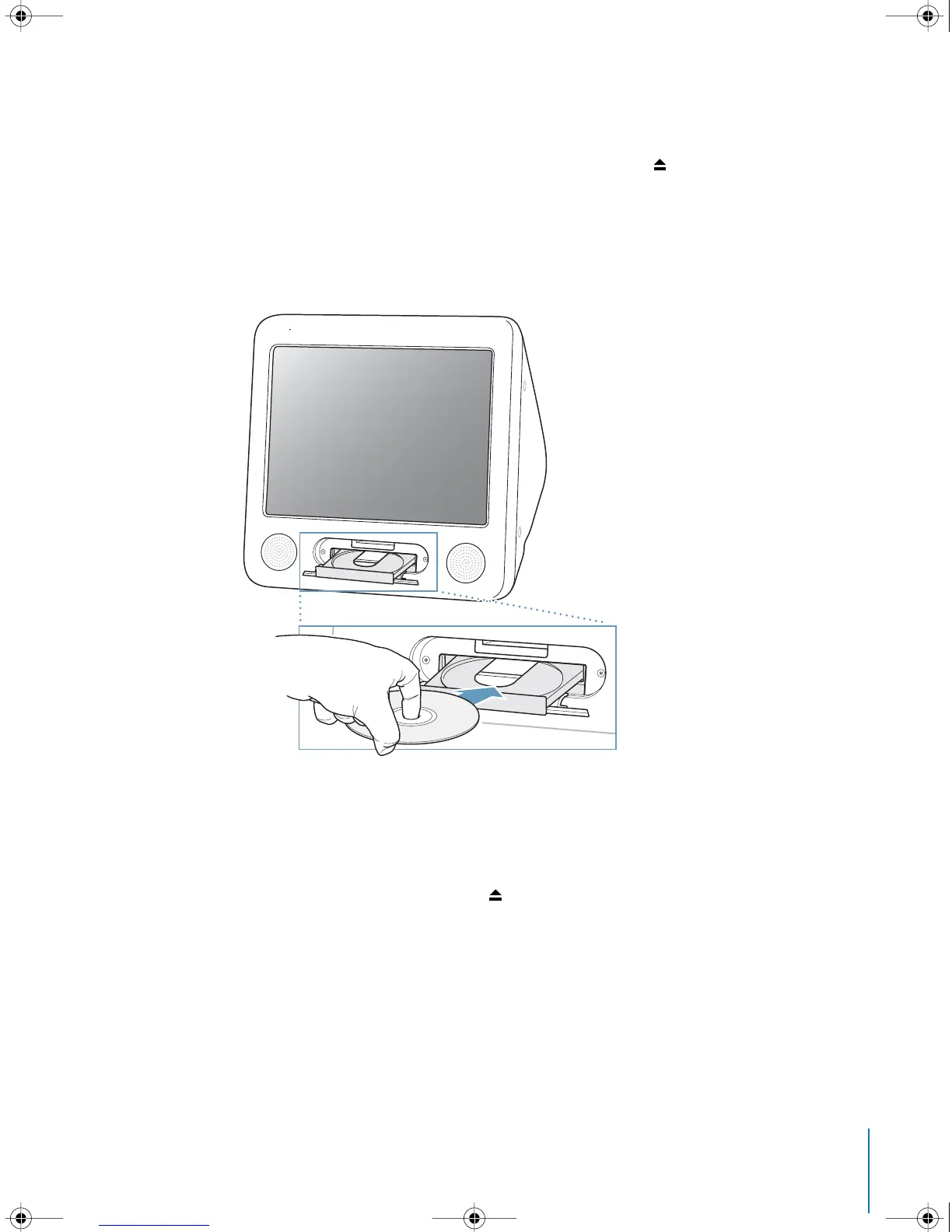
To install or use programs from a CD or DVD disc, follow these steps:
1 With the computer turned on, press the Media Eject key ( ) on the keyboard to open
the drive tray.
2 Place the disc flat on the tray, with the label facing up, and press the Media Eject key
again to close the tray.
Note: Some DVD discs are two-sided.
3 When the icon for the disc appears on the desktop, the disc is ready to use.
Ejecting a Disc
To eject a disc, do one of the following:
• Drag the disc icon to the Trash.
• Press and hold the Media Eject ( ) key on the keyboard until the disc ejects.
If you can’t eject the disc, quit any applications that may be using the disc and try
again. If that doesn’t work, restart the computer while holding down the mouse
button.
LL2522.book Page 33 Wednesday, February 18, 2004 11:53 AM



 To Next Page