36 Chapter 3 Using Your Computer
Securing Your Computer
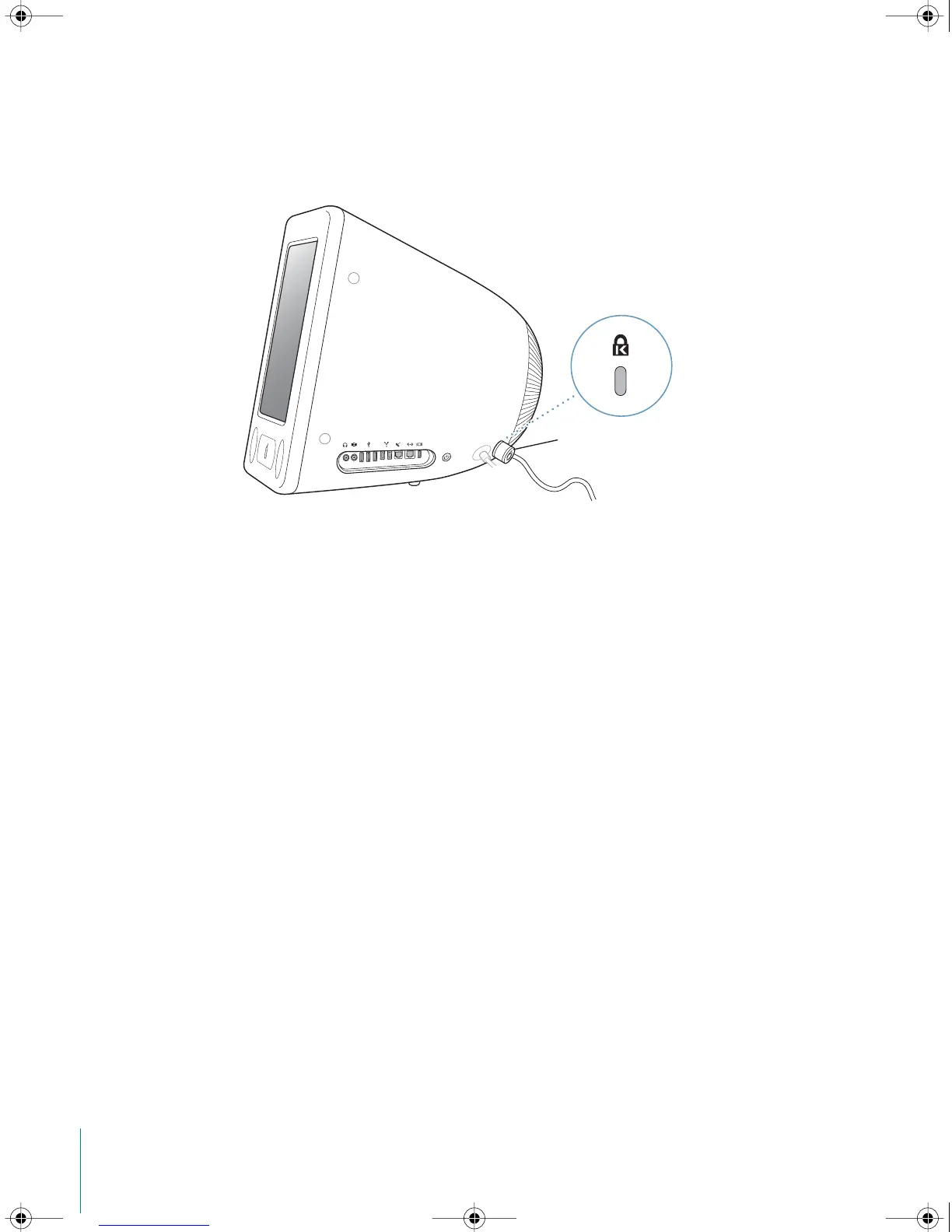
Use a locking cable and the built-in security slot to attach your eMac to a stationary
object.
Additional information on the software security features of your eMac, including
multiple user passwords and file encryption, is available in Mac OS Help (see page 22).
Choose Help > Mac Help and search for “security” or “multiple users.”
Sample locking device
with security cable
LL2522.book Page 36 Wednesday, February 18, 2004 11:53 AM



 To Next Page