38 Chapter 4 Enhancing Your Computer
To install additional memory:
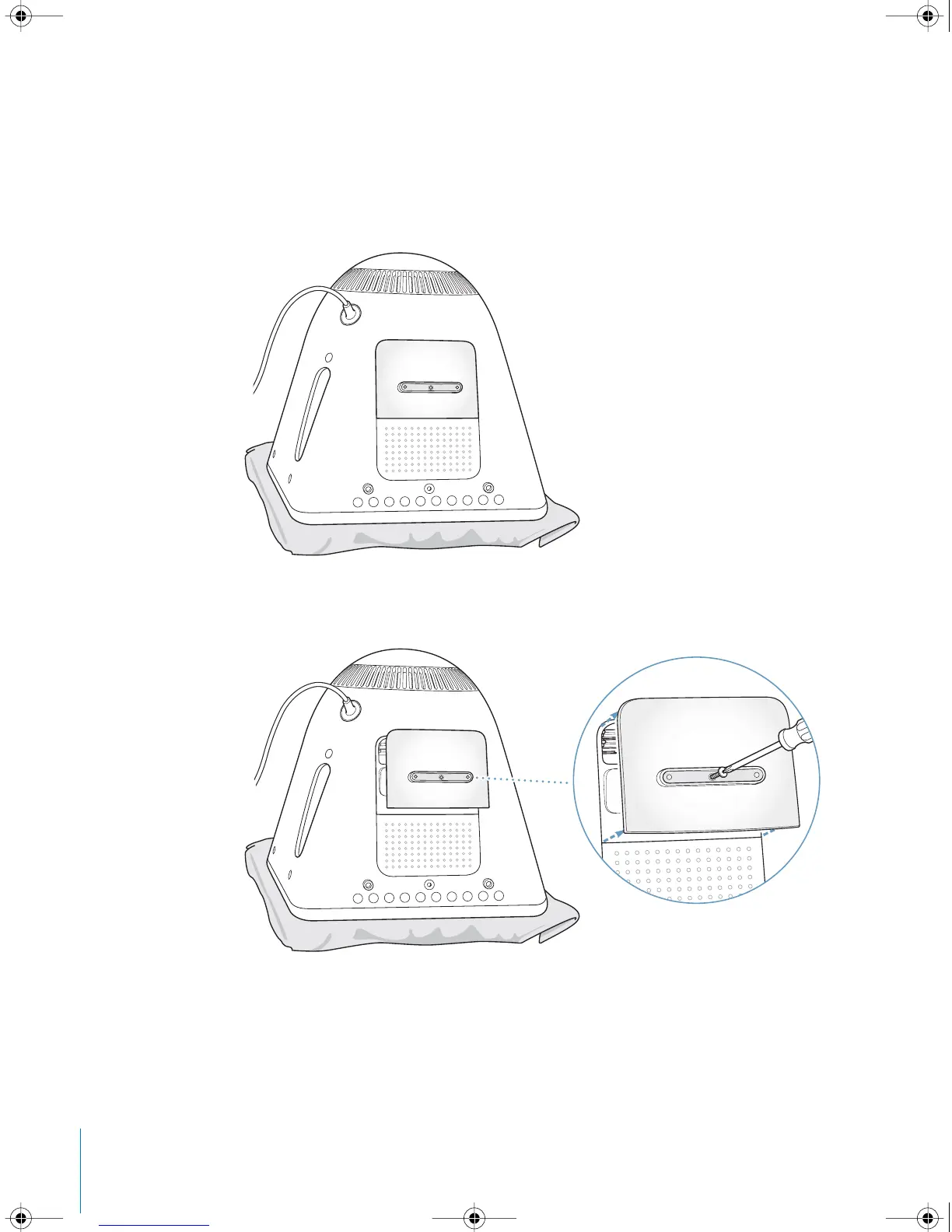
1 Turn your computer off by choosing Apple (K) > Shut Down. Disconnect all cables
except the power cord from your computer.
2 Place a soft, clean towel or cloth on the desk or surface. Slowly lift up and turn the
computer so the screen is facing down on the cloth.
3 Use a Phillips screwdriver to loosen the captive screw on the memory access panel.
Then gently remove the access panel.
LL2522.book Page 38 Wednesday, February 18, 2004 11:53 AM



 To Next Page