58 Appendix B Care, Use, and Safety Information
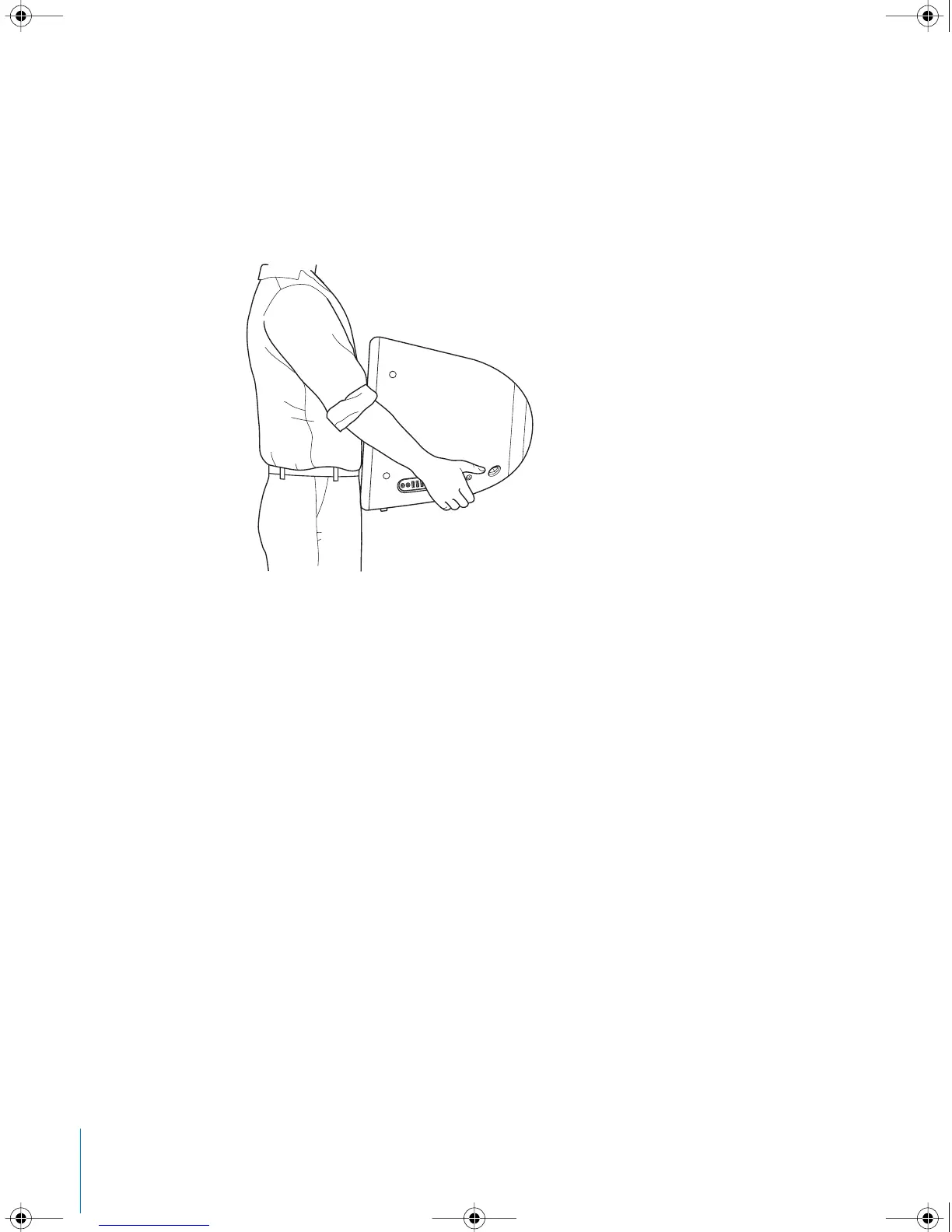
Carrying Your eMac
Your eMac weighs about 50 pounds (22.7 kilograms). If possible, use two people to
lift it.
If you are lifting your eMac by yourself, stand with the screen facing you and hold the
bottom of the computer with both hands. Lift using your legs, rather than your back.
Safety Instructions for Setting Up and Using Your
Computer
For your own safety and that of your equipment, always take the following precautions.
Disconnect the power plug (by pulling the plug, not the cord) and disconnect the
phone cord if any of the following conditions exists:
• You want to remove any parts
• The power cord or plug becomes frayed or otherwise damaged
• You spill something into the case
• Your computer is exposed to rain or any other excess moisture
• Your computer has been dropped or the case has been otherwise damaged
• You suspect that your computer needs service or repair
• You want to clean the case (use only the recommended procedure described earlier)
Important: The only way to turn off power completely is to disconnect the power cord
and phone cords. Make sure at least one end of the power cord is within easy reach so
that you can unplug the computer when you need to.
LL2522.book Page 58 Wednesday, February 18, 2004 11:53 AM



 To Next Page