Appendix C Connecting to the Internet 63
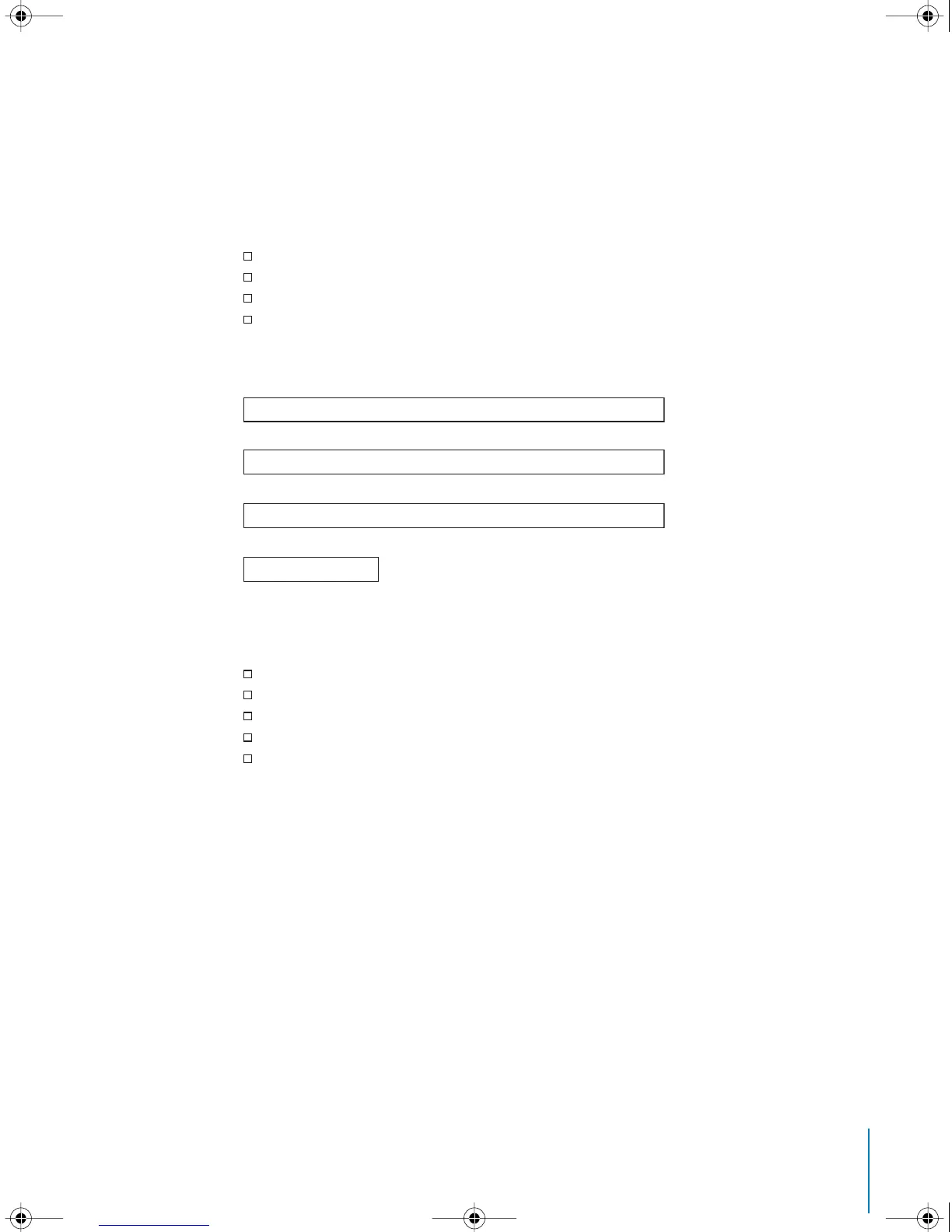
Setup Assistant Worksheet
You can write the information you get from your Internet service provider (ISP), your
network administrator, or your other computer on these pages, then enter it in
Network Setup Assistant.
Select how your computer connects to the Internet.
To set up a telephone dial-up connection, enter the following information:
To set up a DSL or cable modem or a LAN connection:
1 Choose your connection type. Ask your ISP for this information.
Telephone Modem
Cable Modem
DSL Modem
Local network (Ethernet)
User Name
Password
ISP Phone Number
Dialing prefix to obtain an outside line
Manually
Manually using DHCP Router
Using DHCP
Using BootP
PPP
LL2522.book Page 63 Wednesday, February 18, 2004 11:53 AM



 To Next Page