The OCR process shows you status messages that let you
know about the progress of the text conversion. When the
conversion is complete, the status message indicates “OCR is
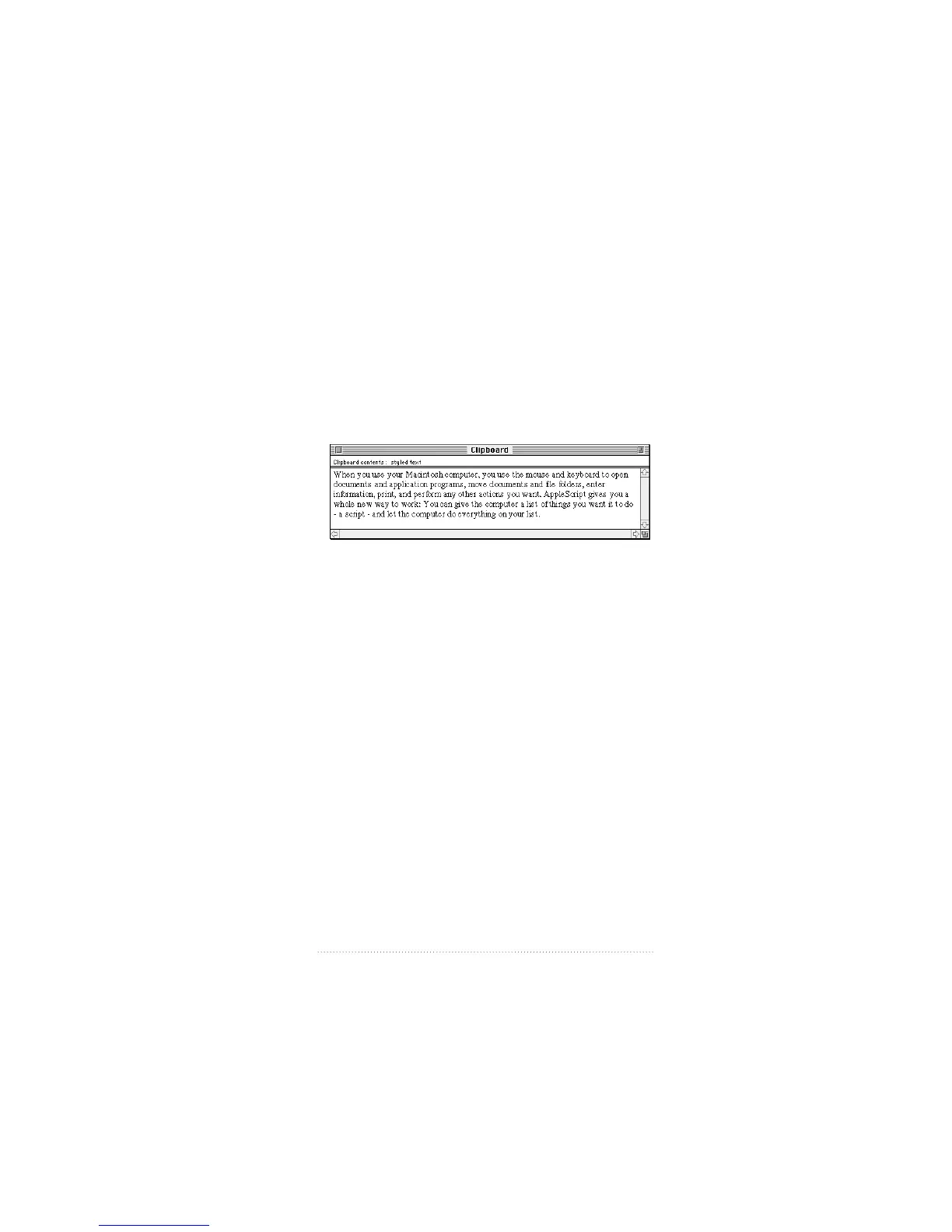
finished - the recognized text has been placed into the
Clipboard”.
3 Switch to the Finder.
4 Choose Show Clipboard from the Edit menu.
The text is displayed and you can paste it into another
program.
Converting a page of a document to text
1 Open an Apple Fax document and go to the page you want
to convert to text.
2 Click the OCR tool.
When there is no selection, the OCR process works on the
entire current page. The text is stored in the clipboard and
you can paste it into another program.
91
Viewing, Editing, and Printing Faxes



 To Next Page