Creating a new cover page
To create a new cover page
1 Choose New Cover Page from the File menu. If you prefer to
modify an existing cover page, choose Open from the File
menu and select a cover page.
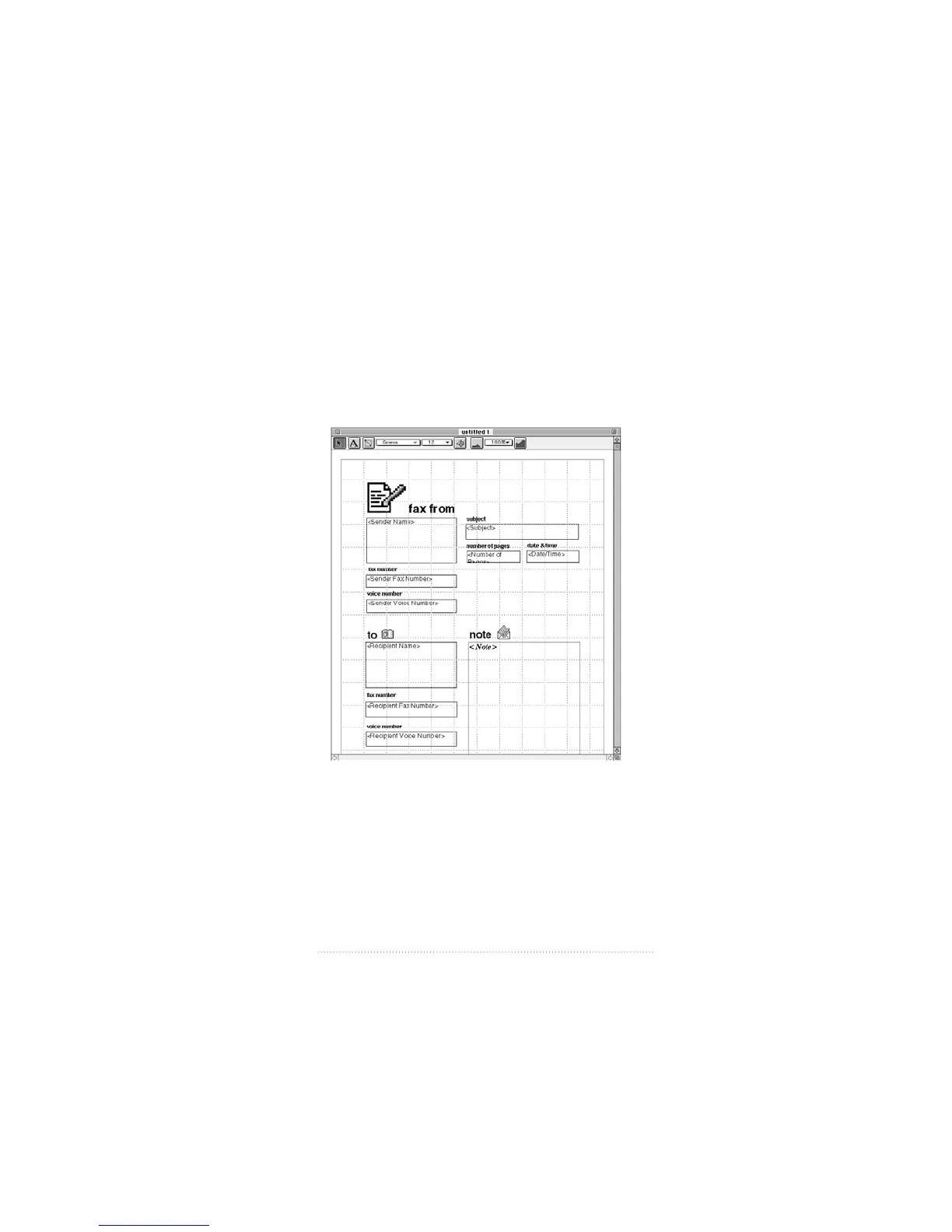
A new, untitled cover page appears.
Since most users will probably never want to create a cover
page completely from scratch, Apple Fax provides a template
when you create a new cover page. You can move, change,
or delete the fields and labels provided in the template and
add graphics to customize the cover page according to your
needs.
95
Creating and Managing Cover Pages



 To Next Page