Saving the fax log
You may want to save the fax log from time to time for
archival and record-keeping purposes. The log file is a text
file, and therefore it doesn’t take up much disk space, but
you may still want to save and then clear the log on a regular
basis.
To save the fax log to a tab-delimited text file that can be
opened by a word processor, spreadsheet, or database
program
1 Click the Save button in the log window.
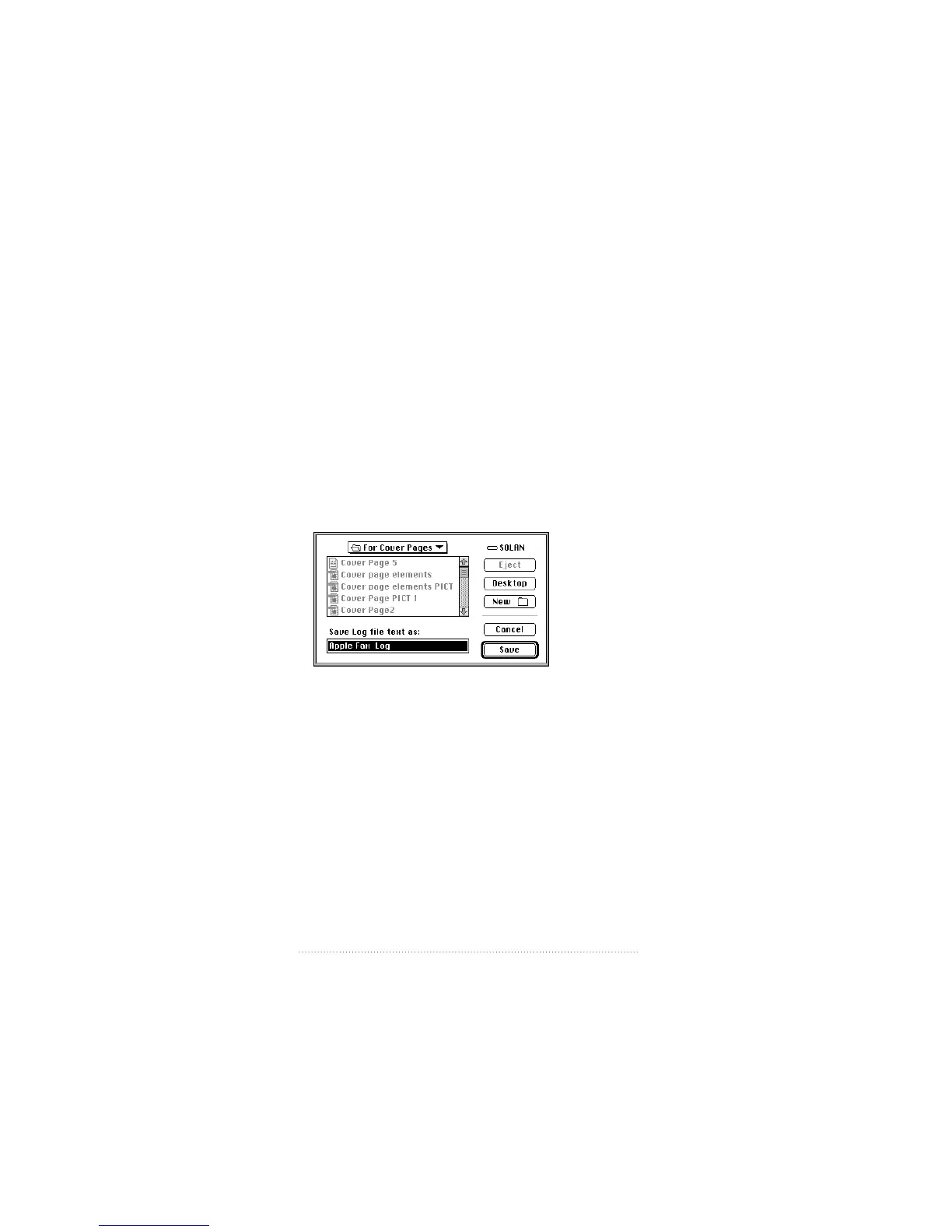
The standard file dialog appears.
2 Navigate to the disk and folder where you want to save the
log file.
3 Type the name you want for the saved file.
4 Click Save.
The fax log is now saved as a file. You can clear the existing
log entries to make room for new entries.
110
Chapter 7



 To Next Page