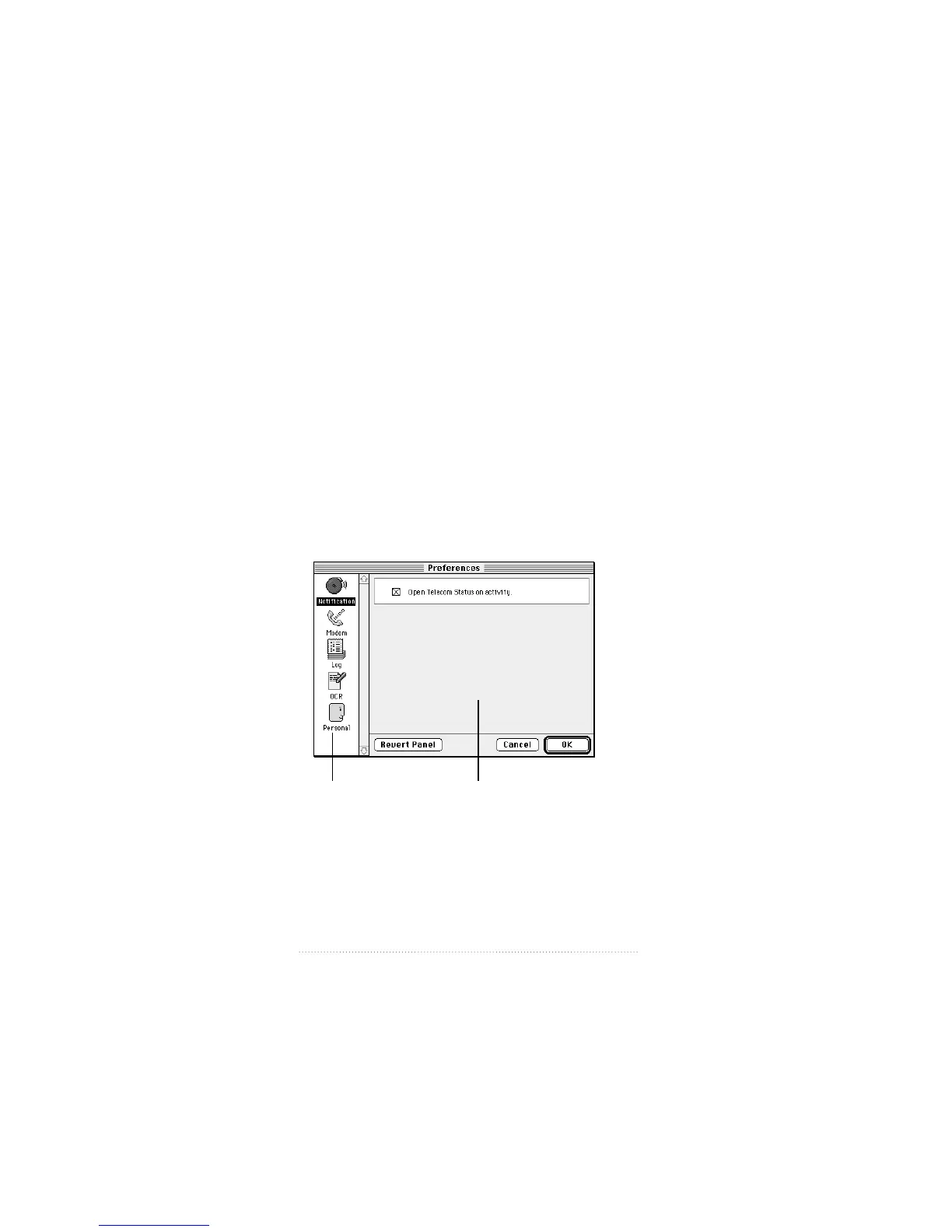
Apple Fax Preferences
Apple Fax allows you to set up your fax environment
according to your needs and preferred way of working. Your
settings are saved in a preferences file. Each time you open
Apple Fax, your settings are restored from the preferences
file so that your fax environment is just as it was the last time
you used the program.
Accessing preferences
To open the Apple Fax preferences window
1 Choose Preferences from the Edit menu or click the
Preferences button in the button bar.
The Preferences window appears.
114
Chapter 8
Preference categories
Preferences for
selected category



 To Next Page