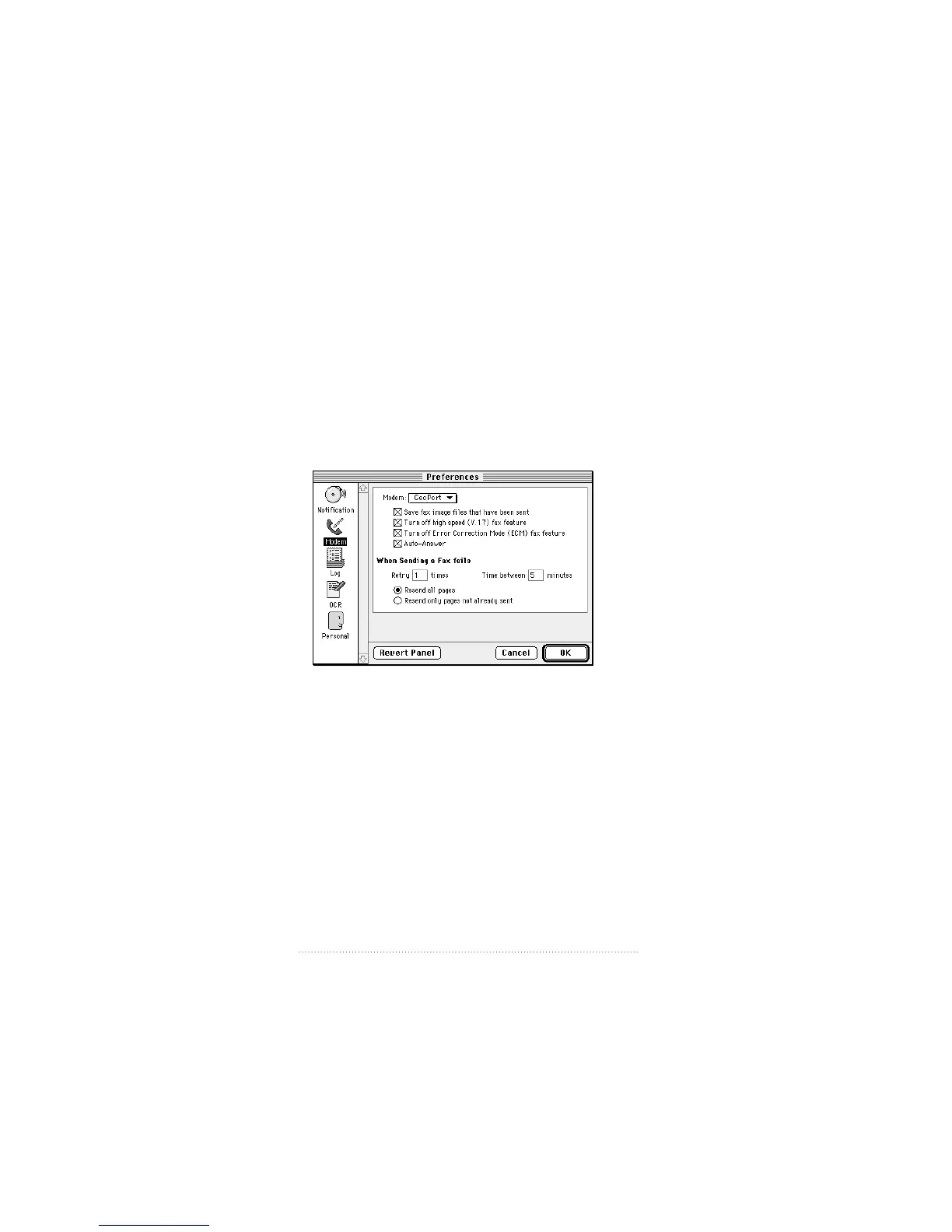
Modem preferences
You need to set certain modem preferences so that Apple
Fax can communicate correctly with your particular modem
hardware configuration.
To set the Modem preferences
1 Click the Modem icon in the panel on the left side of the
Preferences window.
The Modem preferences settings appear.
The options in the modem preferences panel are explained
in Table 9-1.
116
Chapter 8



 To Next Page