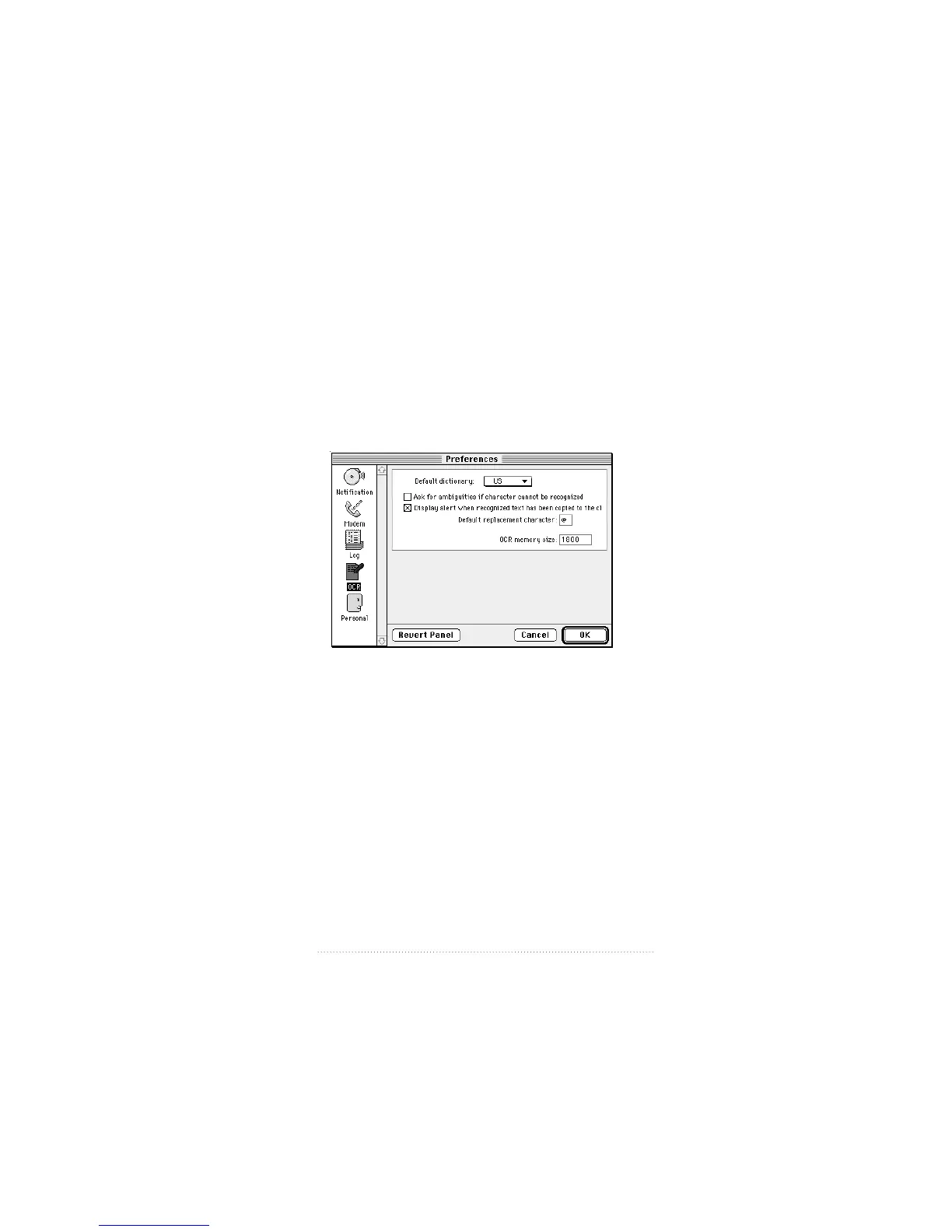
OCR preferences
The OCR preferences control the behavior of the OCR
process of converting received fax documents to text.
To set OCR preferences
1 Click the OCR icon in the panel on the left side of the
Preferences window.
The OCR preferences settings appear.
The options are
m Default dictionary
Choose the dictionary for the appropriate language from this
pop-up menu. Additional dictionaries may be obtained from
Mimetics by writing to the address given on the copyright
page (ii) of this manual. To install additional dictionaries,
place them in the Mimetics folder inside the System Folder.
121
Apple Fax Preferences



 To Next Page