Setting preferences
Before sending your first fax, you need to configure
Apple Fax for your modem. Once this is done, you won’t
have to worry about the basic modem preferences again
unless your modem configuration changes. The first time
you run Apple Fax a setup window automatically opens for
you to configure your modem.
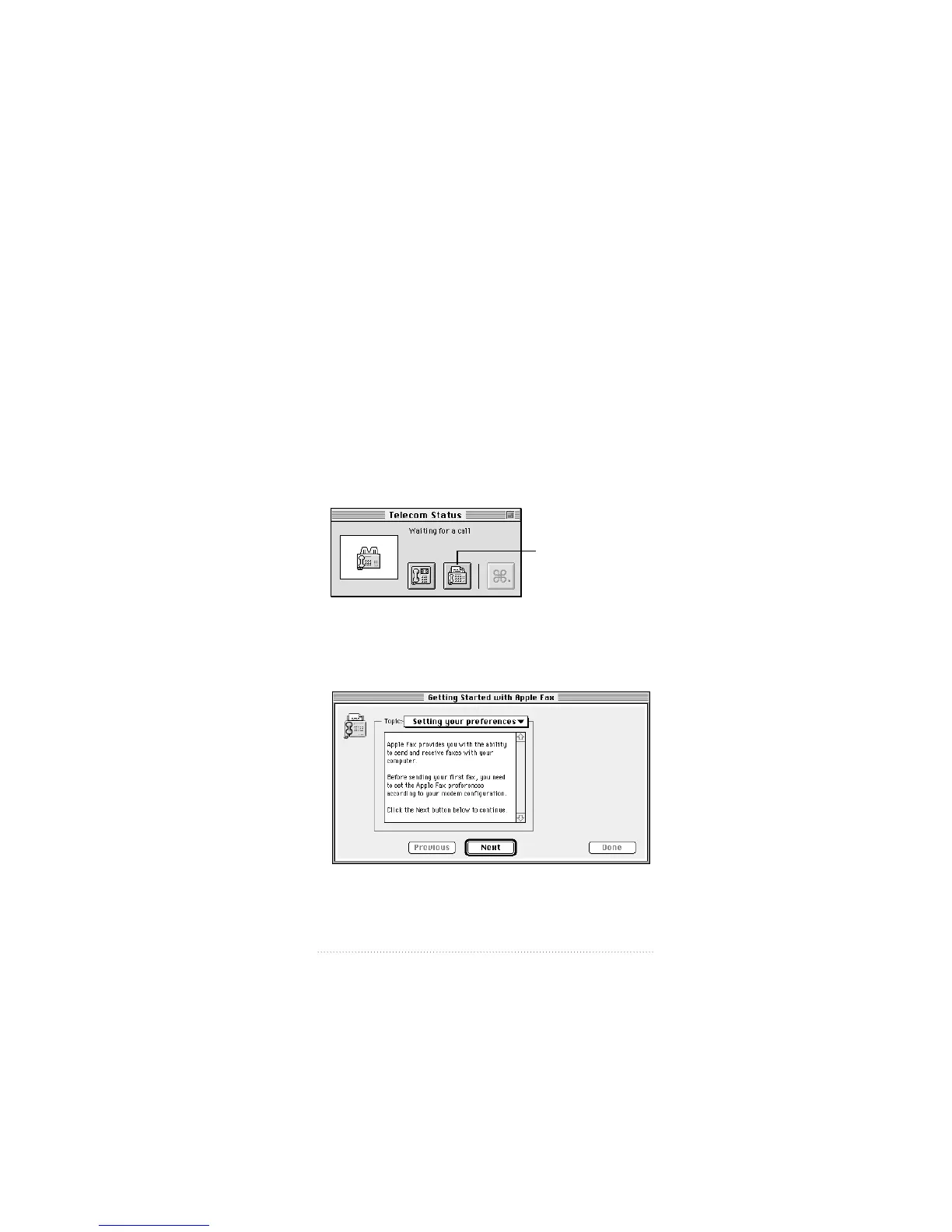
To start Apple Fax
1 Choose Apple Telecom Status from the Apple (K) menu.
Apple Telecom Status opens.
2 Click the Apple Fax icon, or choose Open Apple Fax from
the File menu.
Apple Fax opens and presents the setup window.
3
Apple Fax Quick Start
Apple Fax icon



 To Next Page