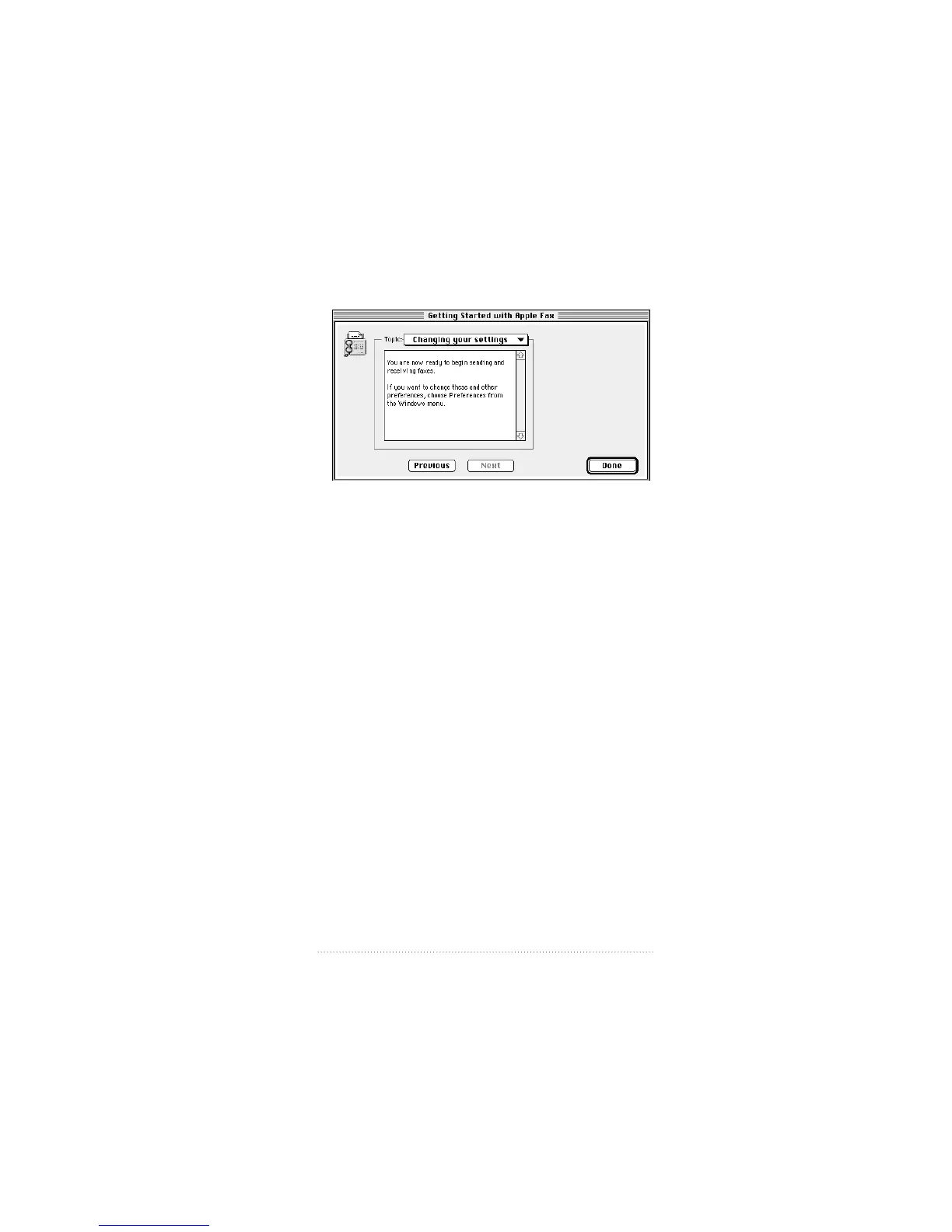
The “Changing your settings” panel appears.
5 The descriptive text explains how to change these and other
settings. Read it, then click Done to confirm your settings
and close the setup window.
These are the basic settings that you must make before you
can use Apple Fax to send and receive faxes.
See also: Chapter 8, “Apple Fax Preferences” for a complete
explanation of these and other preference options.
5
Apple Fax Quick Start



 To Next Page