You can also send a fax to a recipient who does not have an
address book entry simply by typing the fax number into the
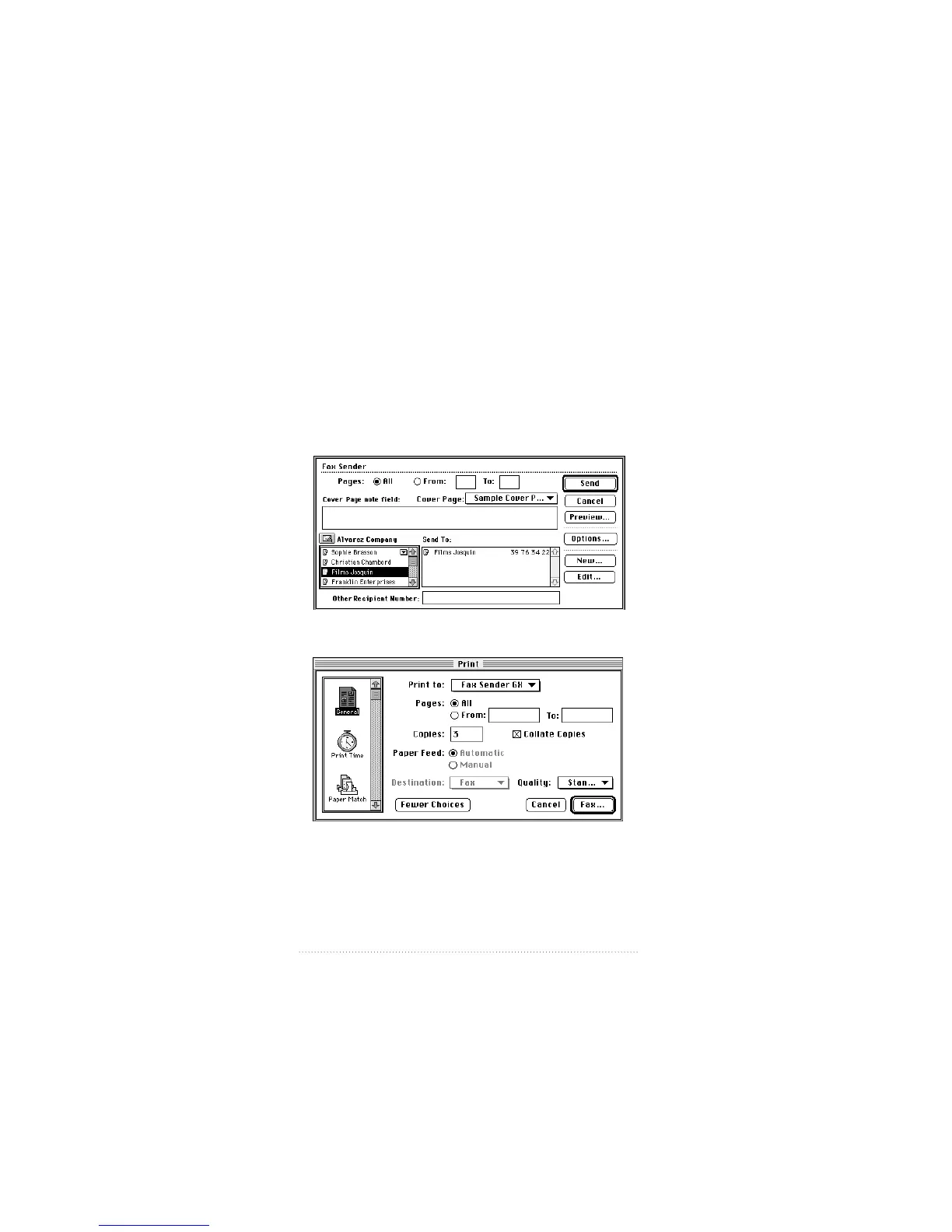
“Other Recipient Number” field of the Fax Sender print
dialog box. This is the method used in this example.
1 Choose Print from your program’s File menu.
The Fax Sender or Fax Sender GX print dialog box appears.
Both dialogs are shown below. If you are using Fax Sender,
skip ahead to step 3.
The Fax Sender print dialog box
The Fax Sender GX print dialog box
8
Chapter 1


 To Next Page
 Loading...