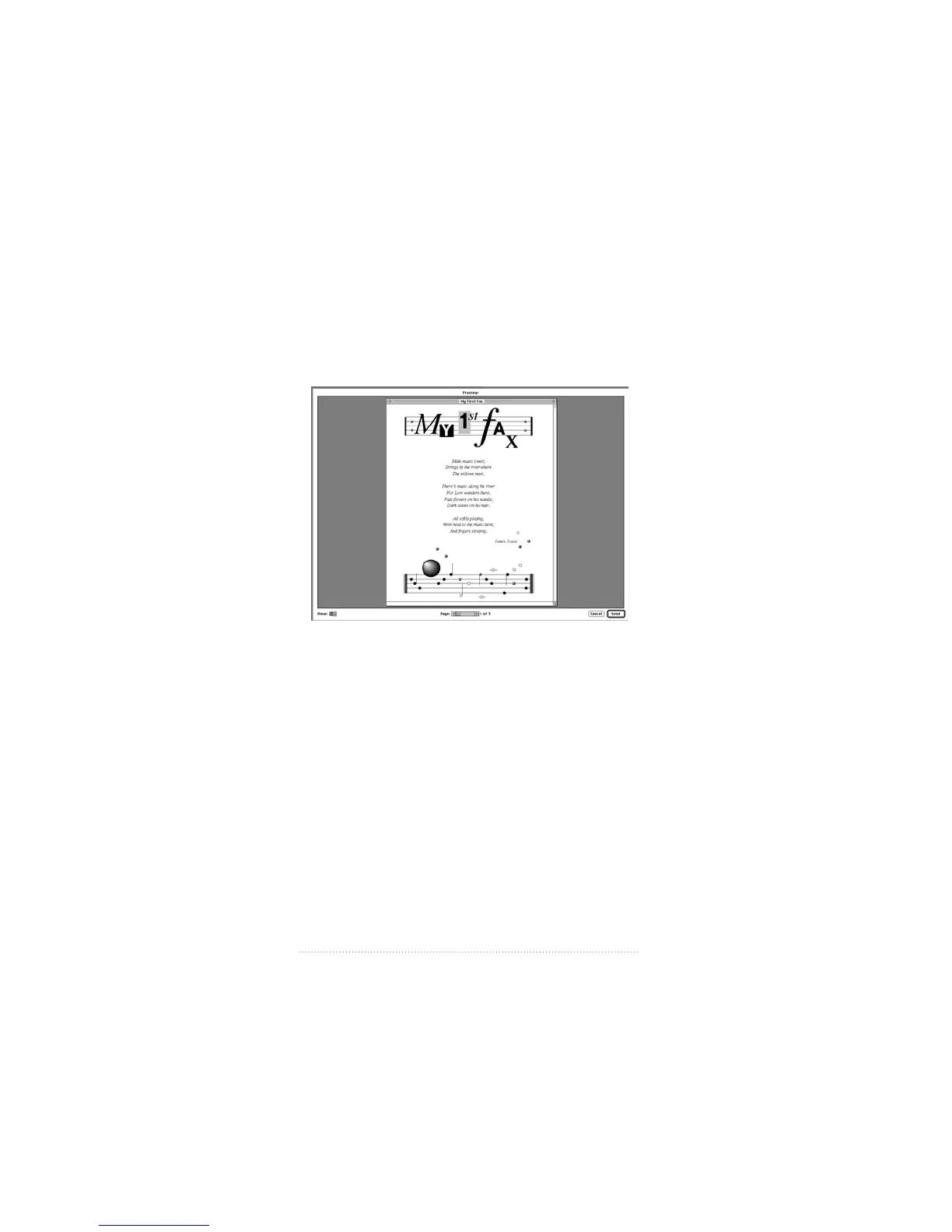
Previewing your fax
Before sending, you can preview your fax as it will appear on
your recipient’s fax machine.
1 Click the Preview button in the Fax Sender print dialog box.
You can preview your fax, move through the pages, and
change the scale according to your wishes.
See also: “Preview options” in Chapter 3, “Fax Send
Advanced Options” for more information on fax preview
options.
10
Chapter 1



 To Next Page