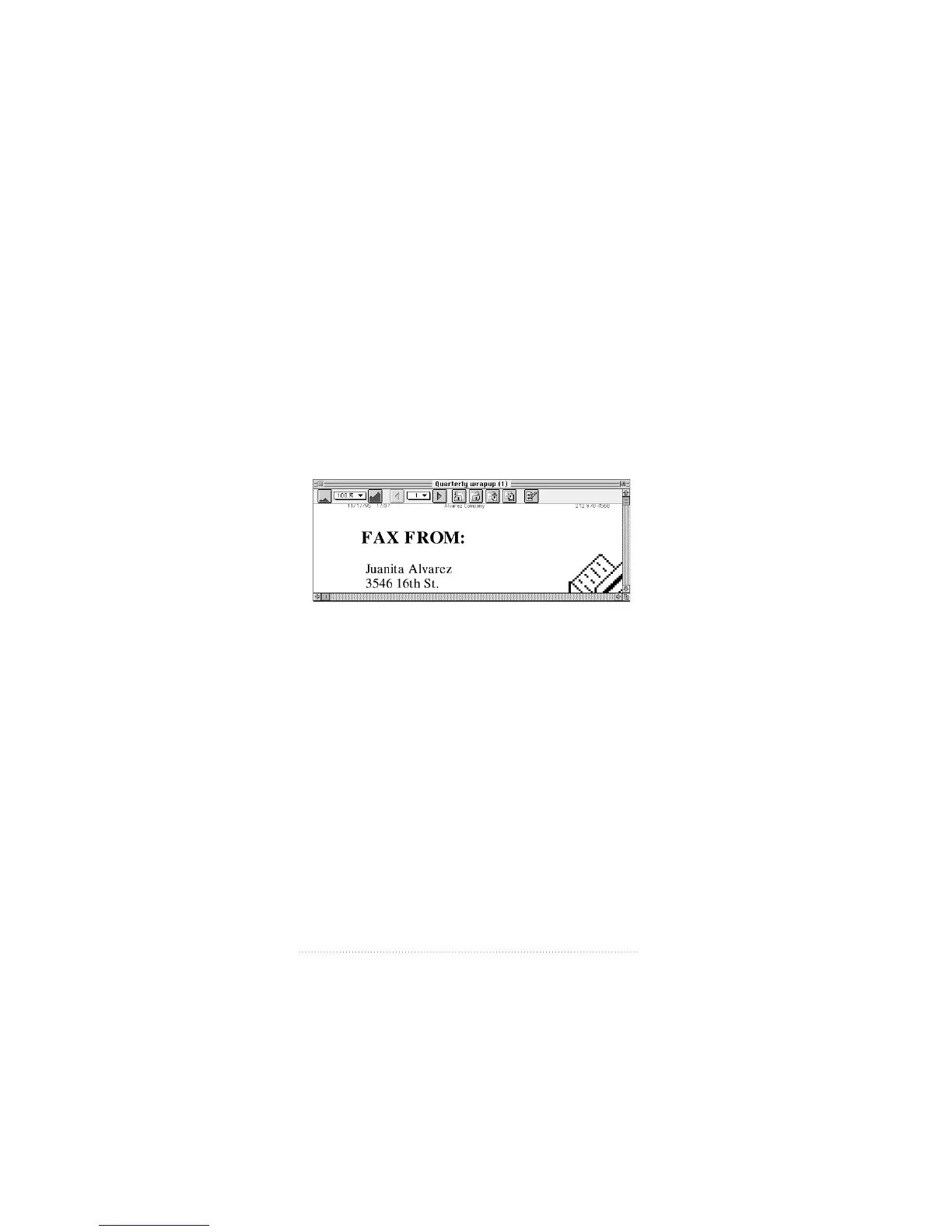
Opening a fax for viewing
To open and view a received (or sent) fax
1 Select the fax you want to read from the list of received (or
sent) faxes.
2 Click Open.
You can also double-click the icon of the fax you want to
view.
The fax appears in a fax view window.
See also: Chapter 5, “Viewing, Editing, and Printing Faxes”
for a complete explanation of fax view windows and options.
Printing a fax
You can print a fax from the fax view window.
To print a fax that you have opened in a fax view window
1 Make sure that you have selected a printer in the Chooser
(not Fax Sender or Fax Sender GX).
2 Select Print from the File menu.
16
Chapter 1



 To Next Page