3 For each recipient, select the corresponding entry in the
scrolling list, then click To.
4 When you have added all recipients to the list, click Done.
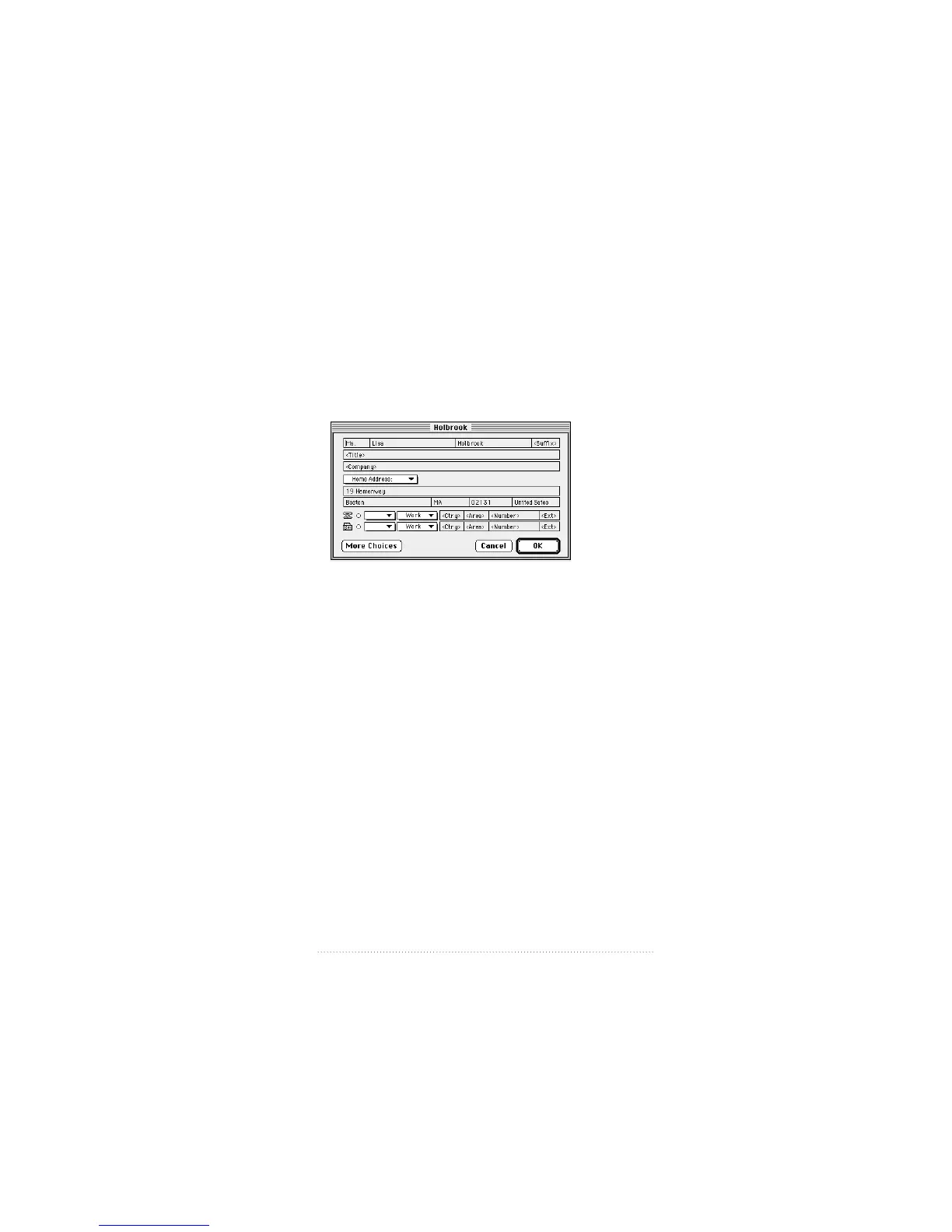
You can add new entries to the current address book by
clicking New; you can edit an existing entry by selecting it
and clicking Edit.
See also: Apple Address Book User’s Guide for a complete
explanation of creating, editing, and managing address
books.
21
Apple Fax Quick Start



 To Next Page