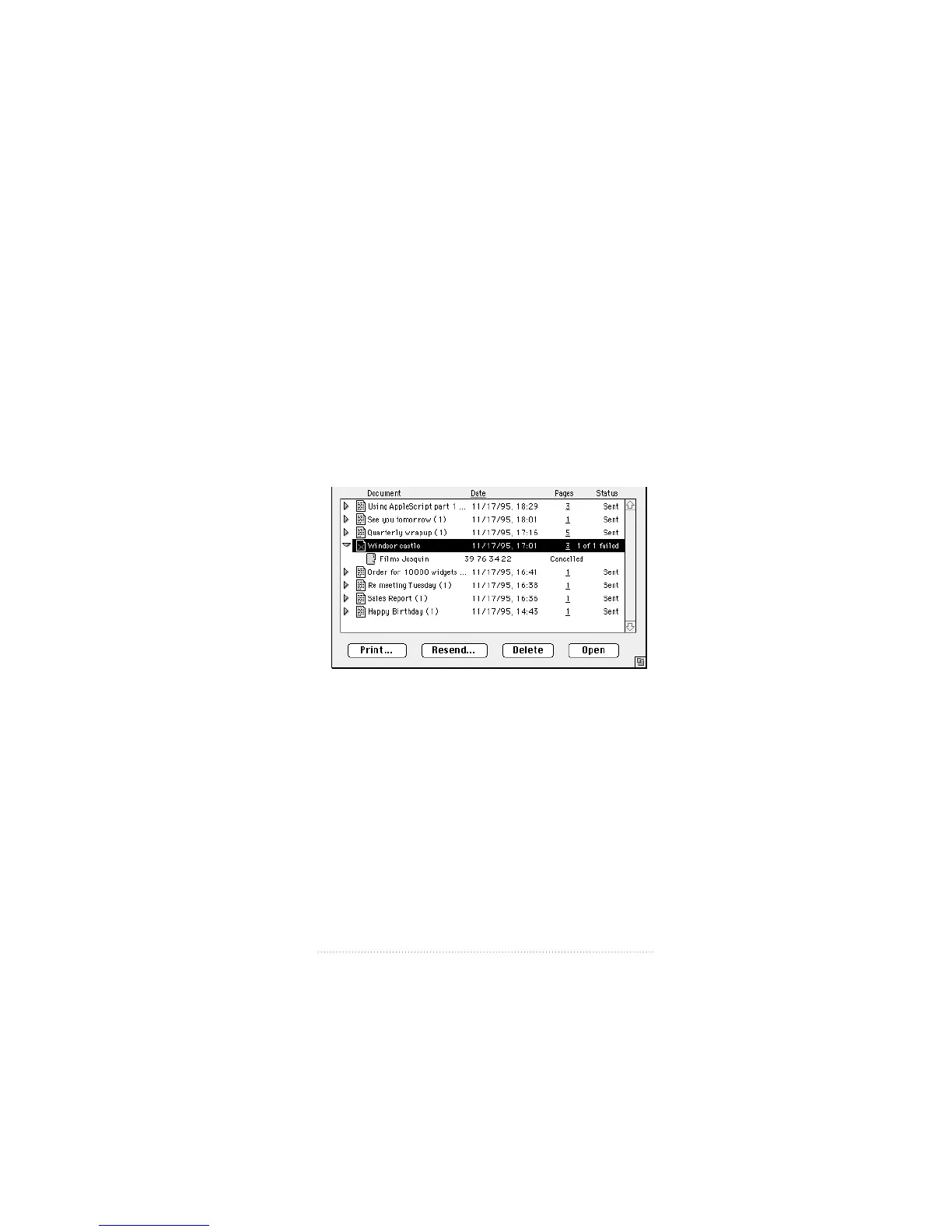
Viewing recipient information
In order to keep the status information from becoming
cluttered, information about the recipient or recipients is
hidden by default and shown only when you specifically
choose to do so.
To display recipient information about a fax in the list
1 Click on the small triangle to the left of the fax icon.
The recipient list for the fax opens and each recipient or
group of recipients to whom the fax was addressed is shown.
Apple Fax shows the name, fax number, and status for each
recipient on a separate line.
2 For a recipient that is a distribution list entry, click on the
small triangle to the left of the name to display each
recipient in the group individually.
3 To get more information about a recipient, double-click the
recipient, or select the recipient, then choose Recipient Info
from the Fax menu or click the Open button.
27
Apple Fax Main Window



 To Next Page