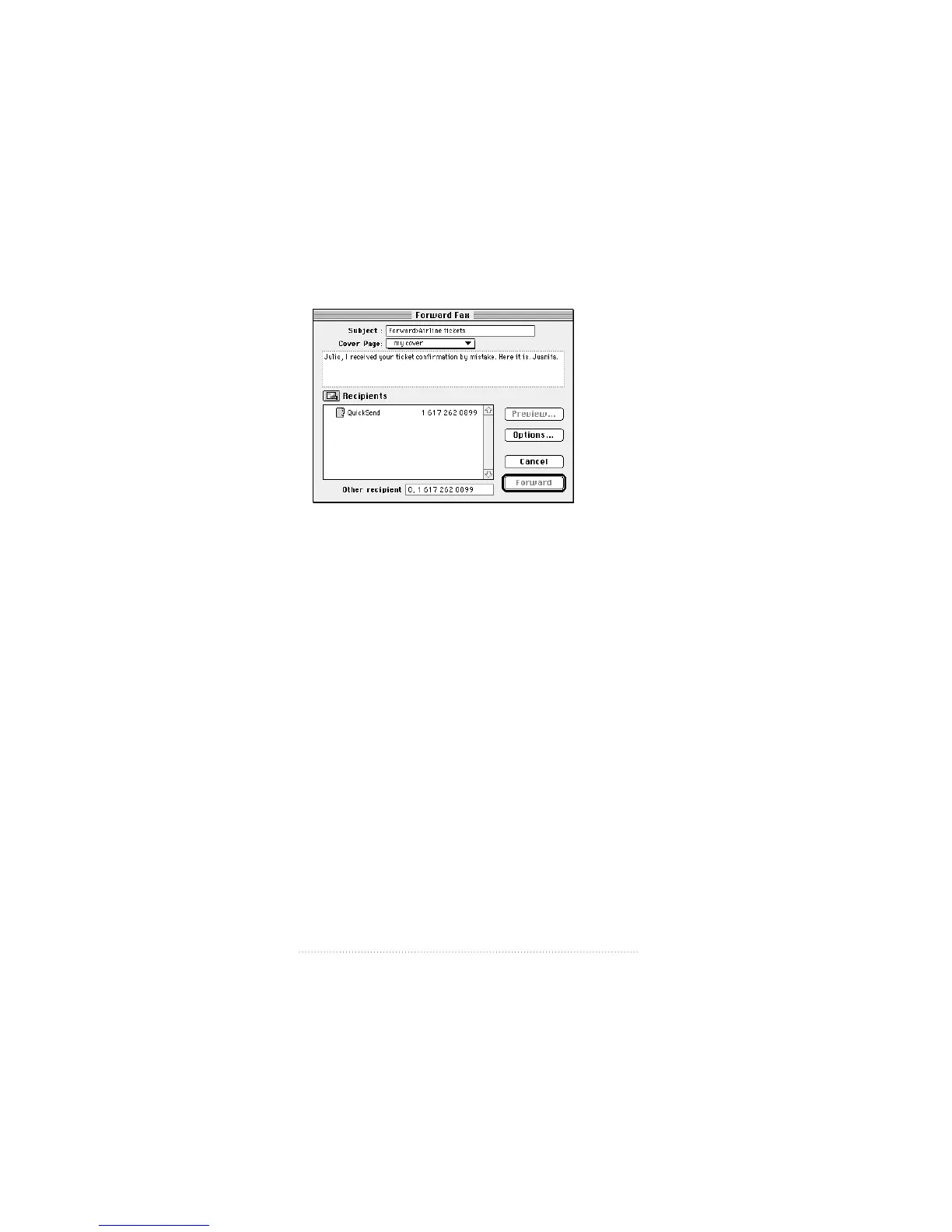
The Forward Fax window appears.
2 Enter the information you want, then click Forward.
Deleting a fax that has been received
Deleting received faxes works in the same way as deleting
sent faxes.
To delete faxes from the list
1 Select the faxes you want to delete. You can select multiple
faxes by shift-clicking (hold down the Shift key as you click).
2 Click Delete.
A dialog box asks you to confirm.
3 Click OK.
The selected faxes are deleted. You can also delete a fax by
dragging it from the main window to the trash.
34
Chapter 2



 To Next Page