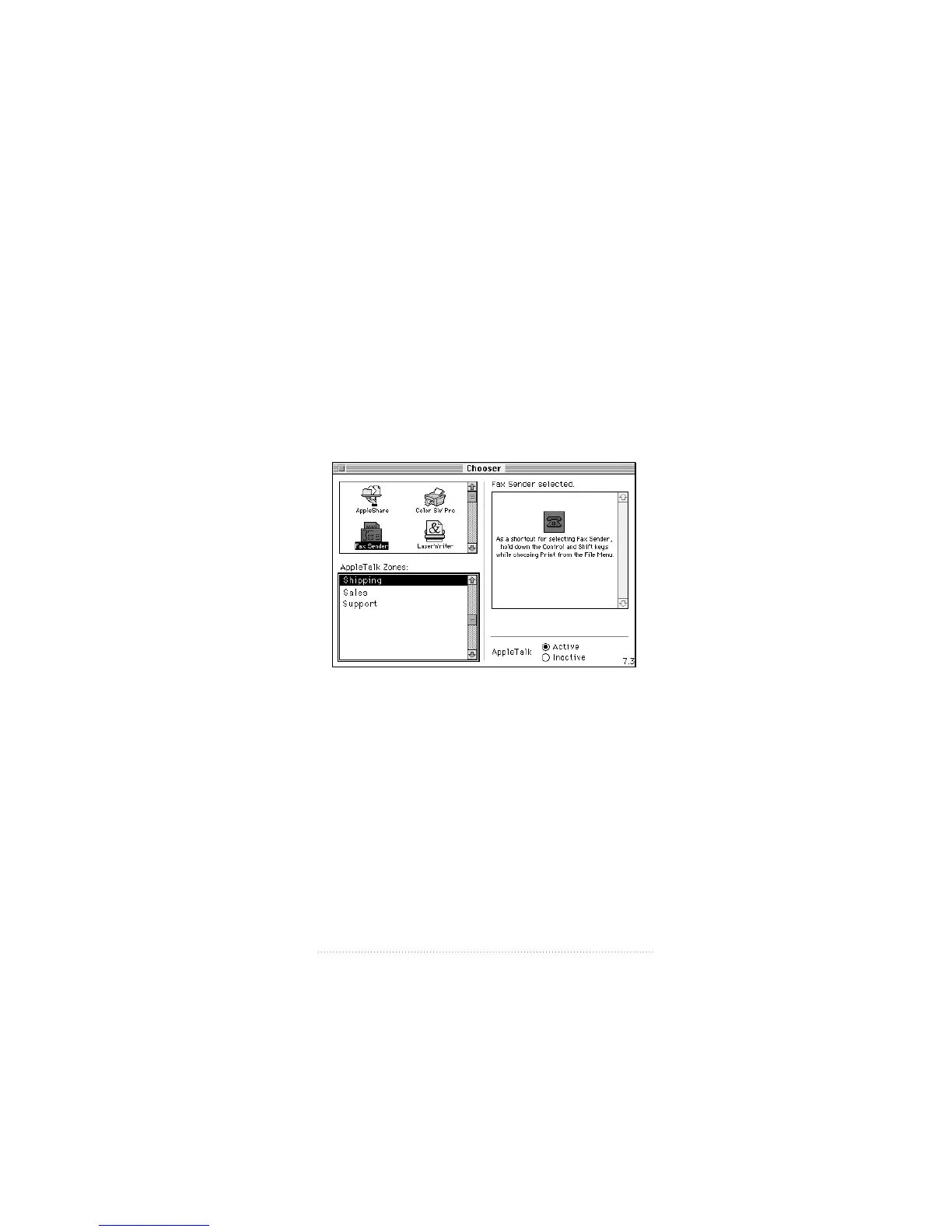
You can also make Fax Sender the selected output device,
just as you might select a printer. When Fax Sender is the
selected output device, each time you print from a program
or from the system your document is sent as a fax instead of
being printed.
To make Fax Sender the selected output device
1 Open the Chooser from the Apple (K) menu.
The Chooser appears.
2 Select Fax Sender from the upper left panel.
3 Close the Chooser.
Fax Sender remains selected until you choose another
device in the Chooser.
Note: If you plan to print to a printer and only occasionally
send faxes, you should leave your printer selected in the
Chooser and use the Control-Shift shortcut for selecting Fax
Sender when you want to send a fax.
47
Fax Send Advanced Options



 To Next Page