Checking for received faxes
You can choose what Apple Fax does when you receive a fax.
According to the choice you make in the Notification
Preferences, Apple Fax can open the Apple Telecom Status
program when you receive a fax.
See also: “Notification preferences” in Chapter 8 for an
explanation of this option.
Even if you choose to have no notification for incoming
faxes, you can easily check to see if any have been received.
To check for received faxes
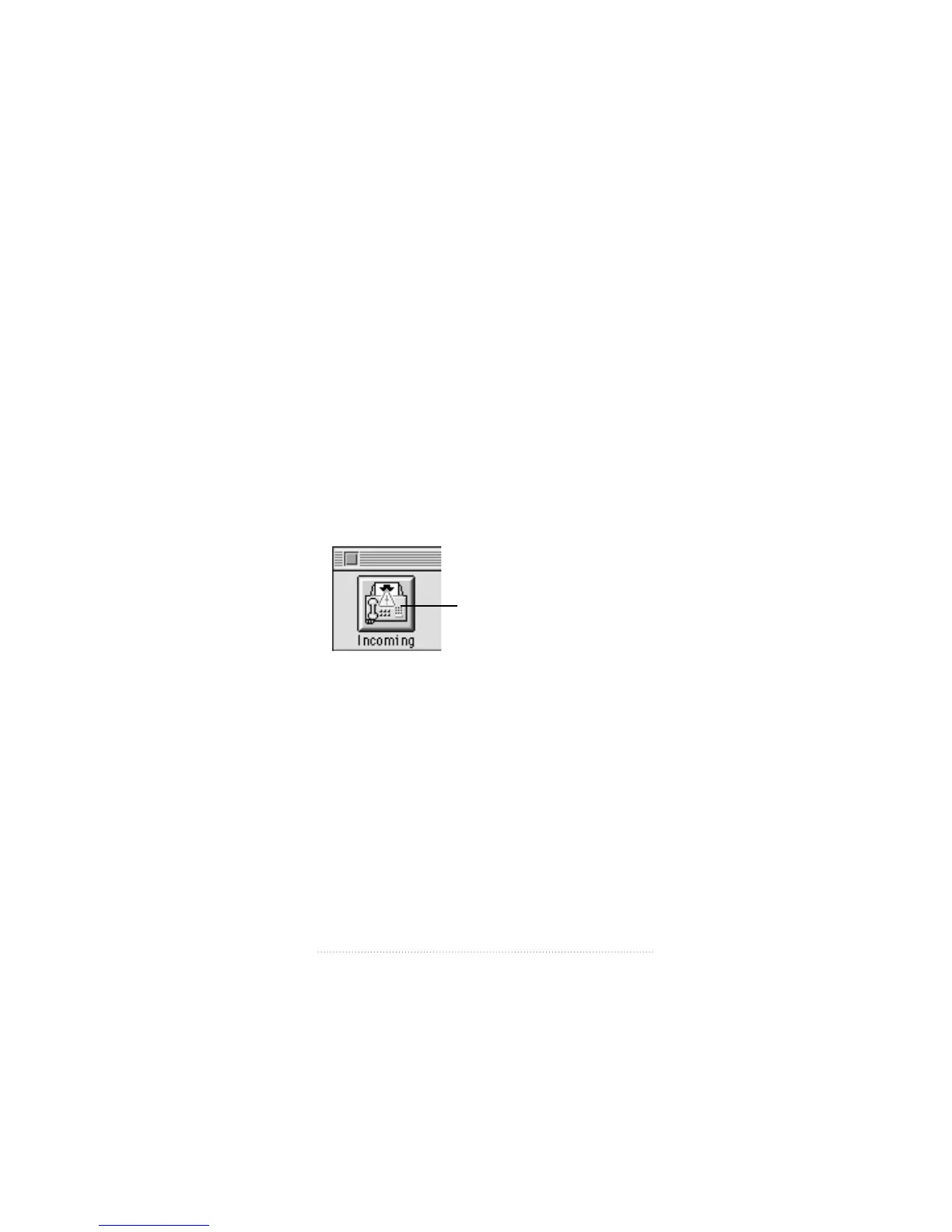
1 Click the Incoming button in the Apple Fax main window to
display Incoming view.
A blinking indicator in the Incoming button tells you that
you have received one or more new faxes.
73
Fax Receive Advanced Options
Received fax indicator



 To Next Page