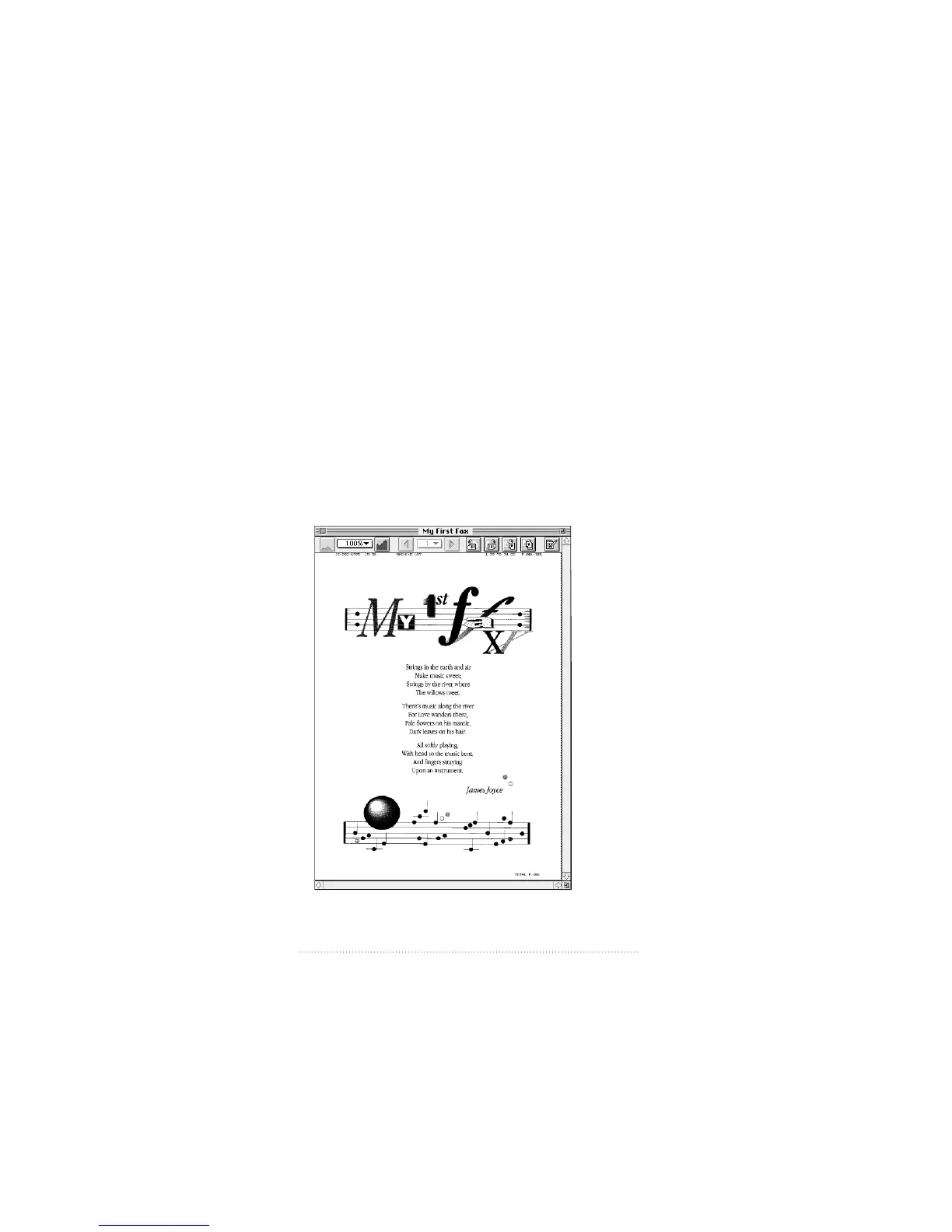
Opening a fax
You can open a fax for viewing, editing, or printing in a fax
view window. Ordinarily you will want to view and print
received faxes, but all of the operations described here can
apply to sent faxes as well. You can open as many
documents as memory allows and move among them using
the Windows menu. Each document that you open appears
as an item in the Windows menu.
To open a fax document
1 Select the document in the list of faxes in the Apple Fax main
window, then click Open; or double-click the document.
80
Chapter 5



 To Next Page