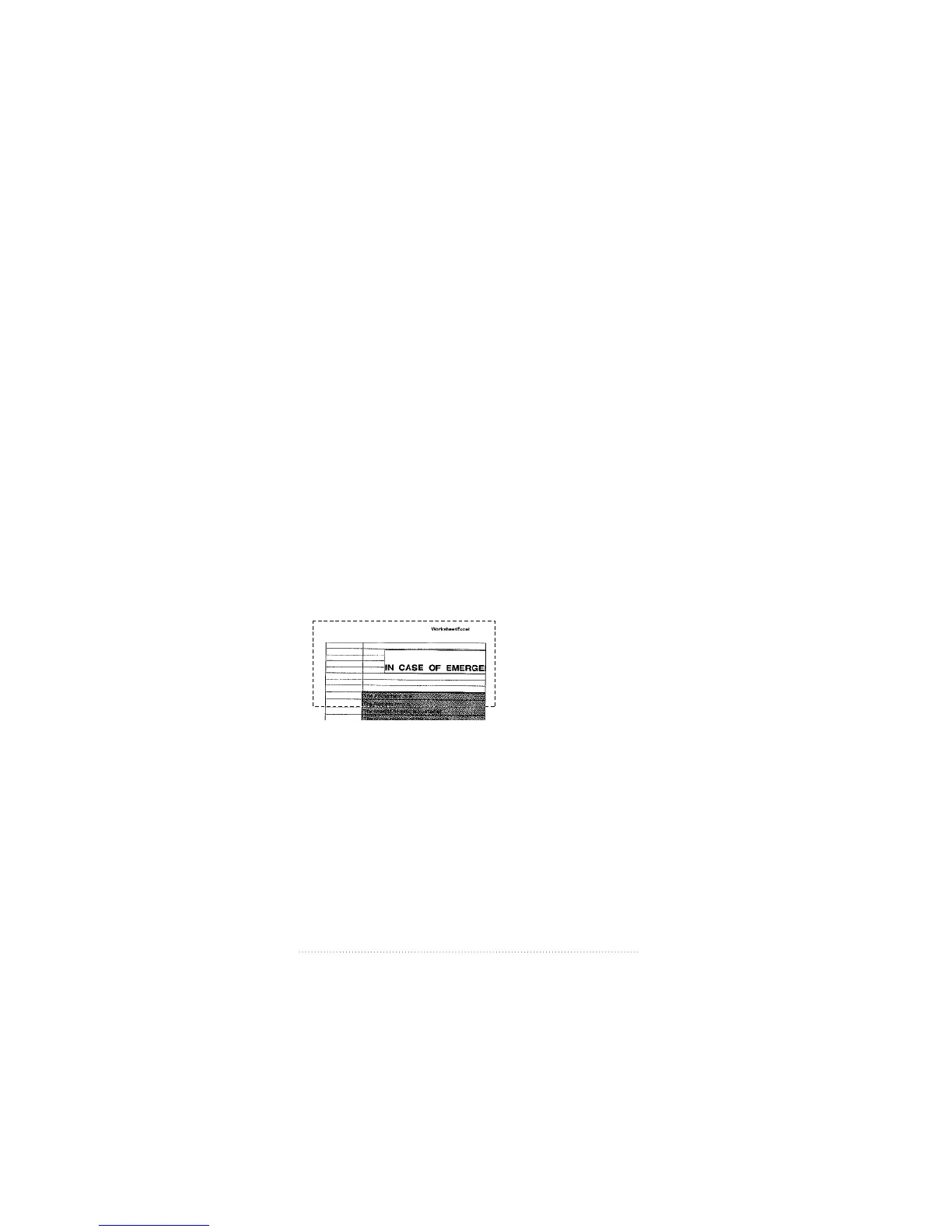
Selecting a portion of a page
Paste operations in Apple Fax only operate on entire pages.
However, you can select a portion of a page for pasting into
a document created by another graphics program. Apple Fax
provides a selection rectangle tool for selecting and copying
portions of documents.
1 Select the page you wish to copy from.
2 Move the pointer over the page.
Notice that the arrow pointer becomes a crosshair. It now
functions as a selection rectangle tool for selecting
rectangular areas.
3 Drag the selection rectangle tool across the image from the
upper left to the lower right, releasing the trackball or
mouse button when the image is enclosed.
A moving dashed line encloses the selected image.
4 Choose Copy Selection from the Edit menu.
Apple Fax places the selected image at current resolution in
PICT format in the clipboard.
5 Make your graphics program document the active window,
then choose Paste from the File menu.
The selected image appears in your document.
86
Chapter 5



 To Next Page