26 Chapter 1
If you’re connecting to an existing network, you may be able to get information about the
network and the software you need to use it from the specialist—referred to as the “network
administrator”—who oversees its operation. Identify your organization’s network
administrator before you begin.
Note: When connecting to a 100Base-TX network, use category 5 twisted-pair cable. When
connecting to a 10Base-T network, you can use category 3 or category 5 twisted-pair cable.
Connecting to a 10/100 Twisted-Pair Ethernet Network
You can connect directly to a 10/100 twisted-pair Ethernet network before or after you start
up the computer.
You can also connect your computer to an Ethernet network that uses thin coaxial cables. To
do this, you need an RJ-45-to-Thin Coax adapter from a manufacturer other than Apple.
See your Apple-authorized dealer for more information on Apple Ethernet media adapters.
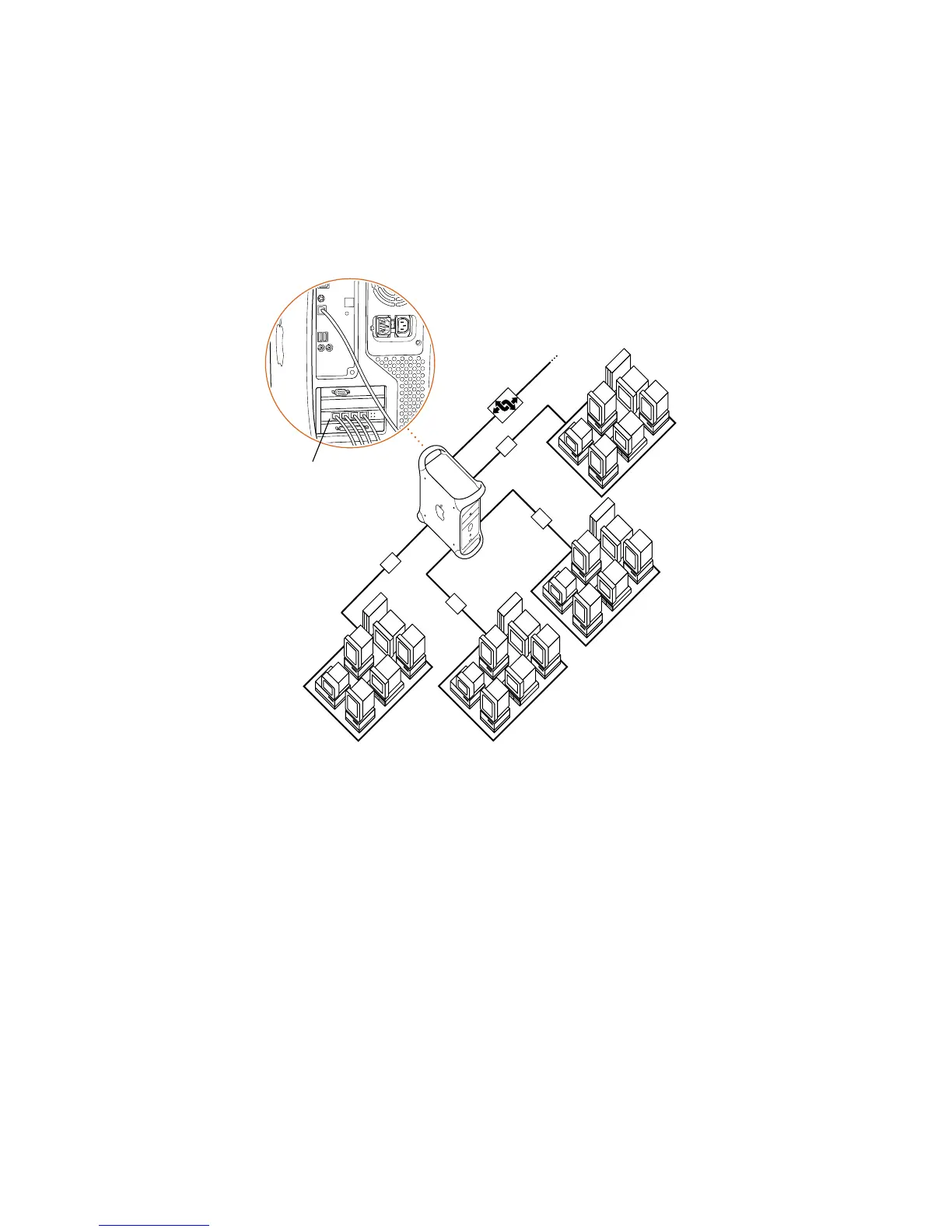
The 4-port Ethernet card
with multihoming enabled
allows you to support up
to four networks.
Hub
Hub
Router
To rest of network
Hub
Hub



 To Next Page