34 Chapter 2
These are the dimensions of the drives that can be installed:
m Width: 102 mm (3.9 inches)
m Height: 25.4 mm (1.0 inch)
m Depth: 147 mm (5.7 inches)
The computer provides support for the following types of internal hard disk drives:
m Wide Ultra SCSI devices (with the PCI card included in some configurations)
m Wide Ultra2 SCSI devices (with the PCI card included in some configurations)
Note: We recommend that you use only Wide Ultra2 SCSI devices because the use of Wide
Ultra SCSI devices will slow down the bus speed to the slowest drive.
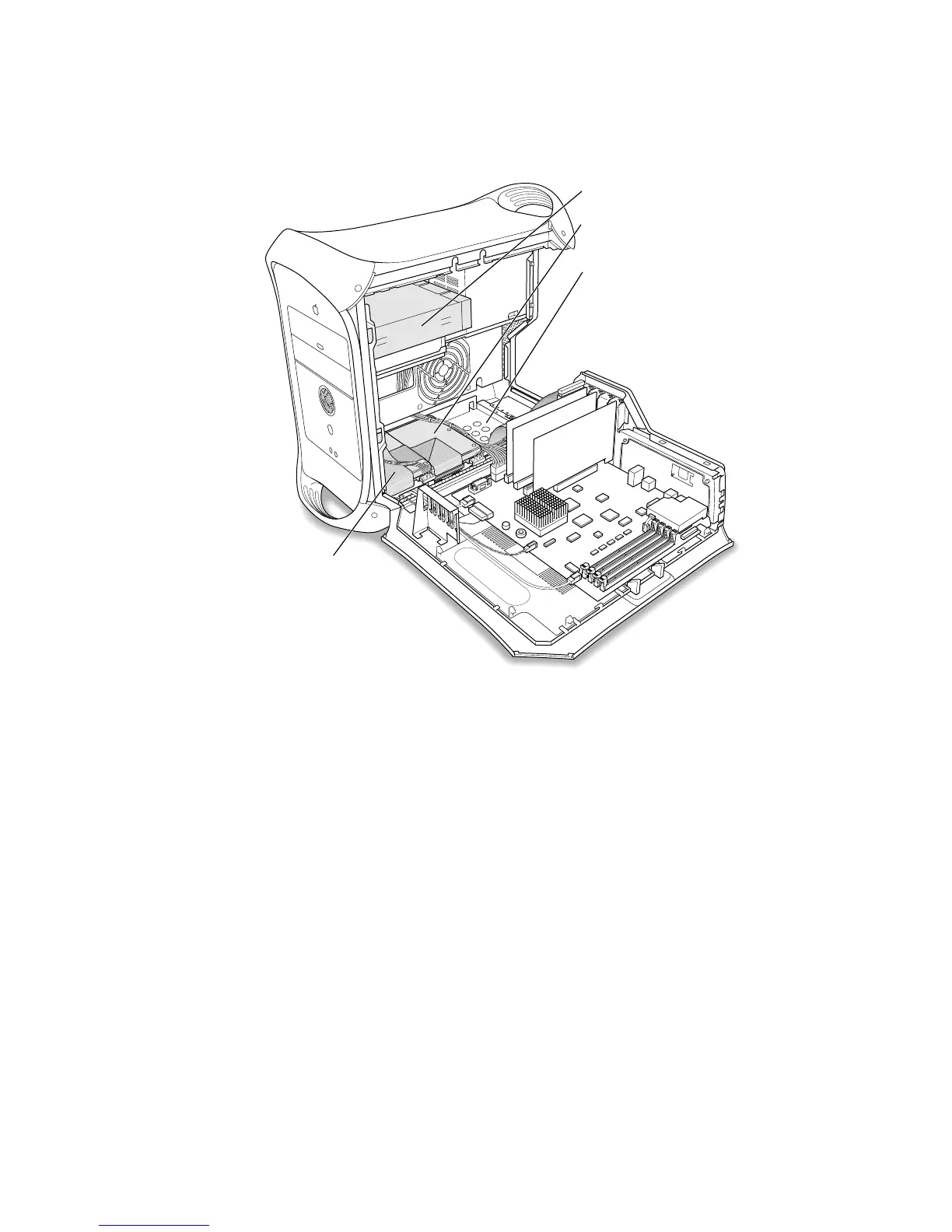
CD-ROM drive bay
Drive position 2: A SCSI hard
disk drive is installed here.
Drive position 3: This drive position
accommodates a 3.5" SCSI hard
disk drive (maximum 1" high).
Some configurations come with
an additional hard disk drive
already installed here.
Drive position 1:
A SCSI hard disk
drive is installed here.



 To Next Page