48 Chapter 2
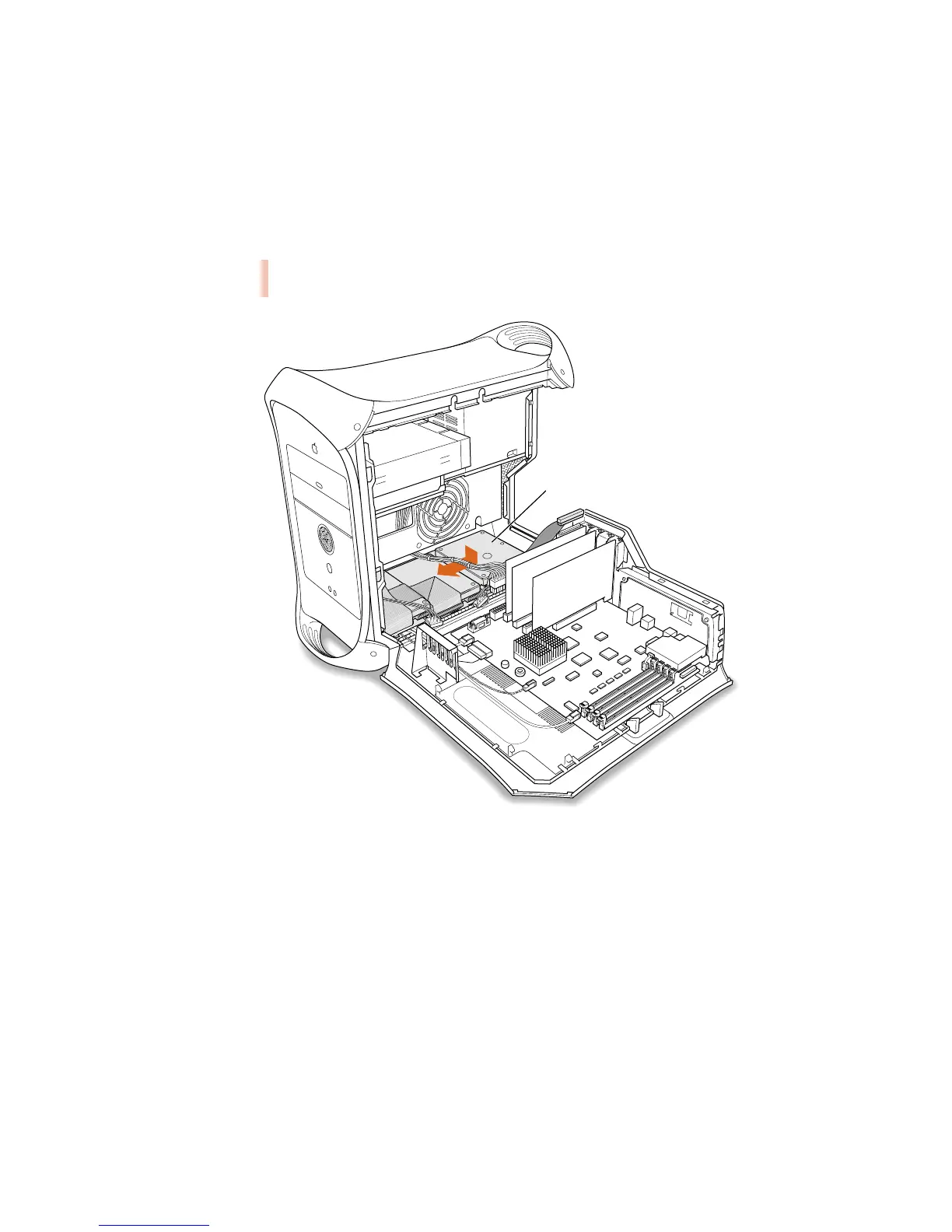
7 Set the drive carrier back inside the computer and slide it toward the front of the computer
until it locks in its original position.
Make sure the carrier engages the guides and is securely seated in the computer.
Warning When replacing the drive carrier inside the computer, don’t crimp or abrade
the data cables that connect to the main logic board.
Gently place the entire drive carrier
assembly back into the computer and
slide it toward the front of the computer
until it is firmly seated. Be careful not
to crimp or abrade any wires that are
near or under the assembly.



 To Next Page