Working Inside the Server 57
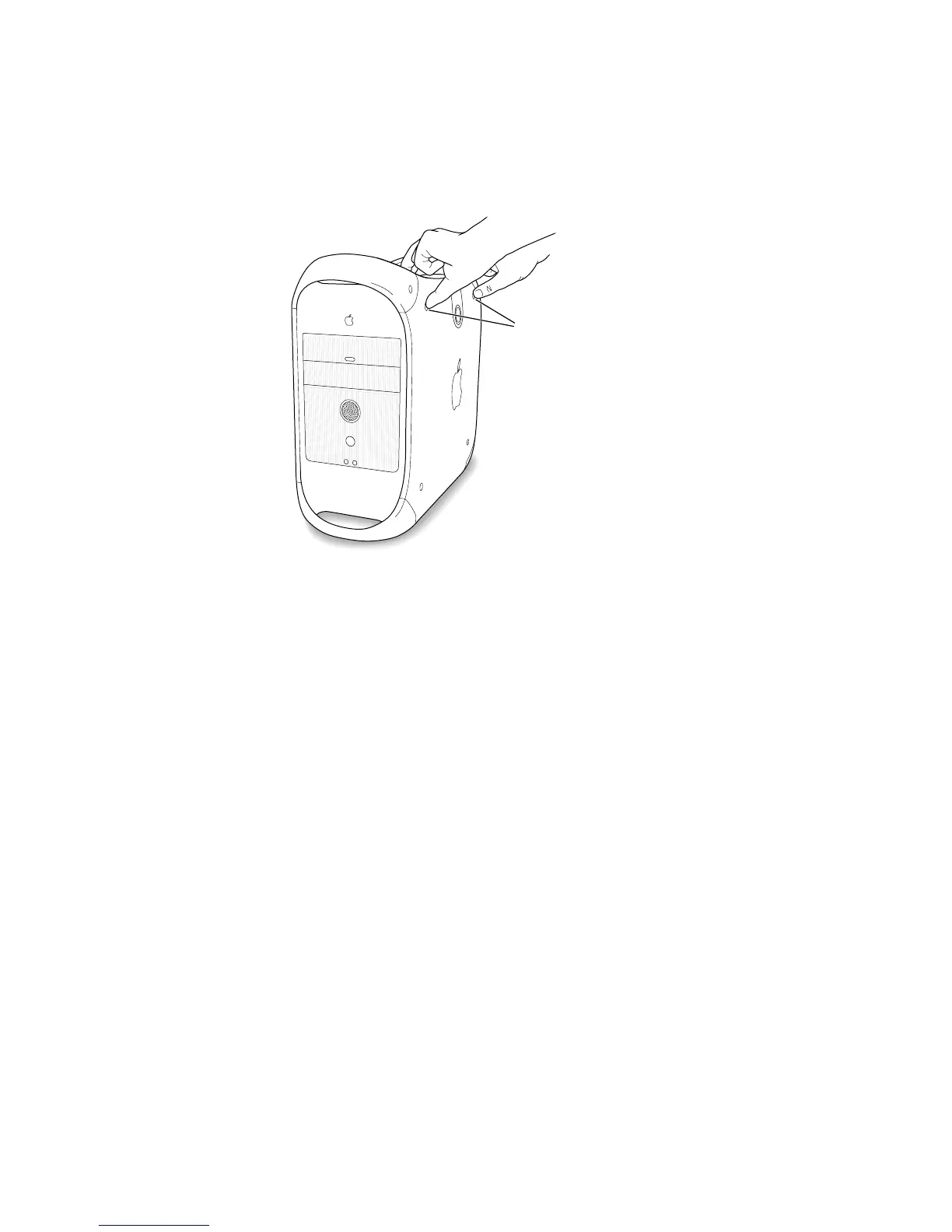
2 Squeeze the side panel until it snaps securely into place.
3 After you have closed the computer, see Chapter 3, “Starting Up Your Server,” on page 59, for
details about starting up your computer for the first time.
Place your thumbs on
these two screws and
squeeze the side panel
firmly closed.



 To Next Page