76 Chapter 4
Cleaning the Monitor
To clean the monitor case and the screen, wipe the surfaces lightly with a clean, soft cloth
dampened with water. Do not use aerosol sprays, solvents, alcohol, or abrasives that might
damage the finish on the case.
Cleaning the Mouse
The mouse contains a small ball that must roll smoothly for the mouse to work properly. You
can keep this ball free of dirt and grease by using the mouse on a clean, lint-free surface and
cleaning it occasionally.
You need a few cotton swabs and a clean, soft, lint-free cloth.
1 Tu rn off your computer.
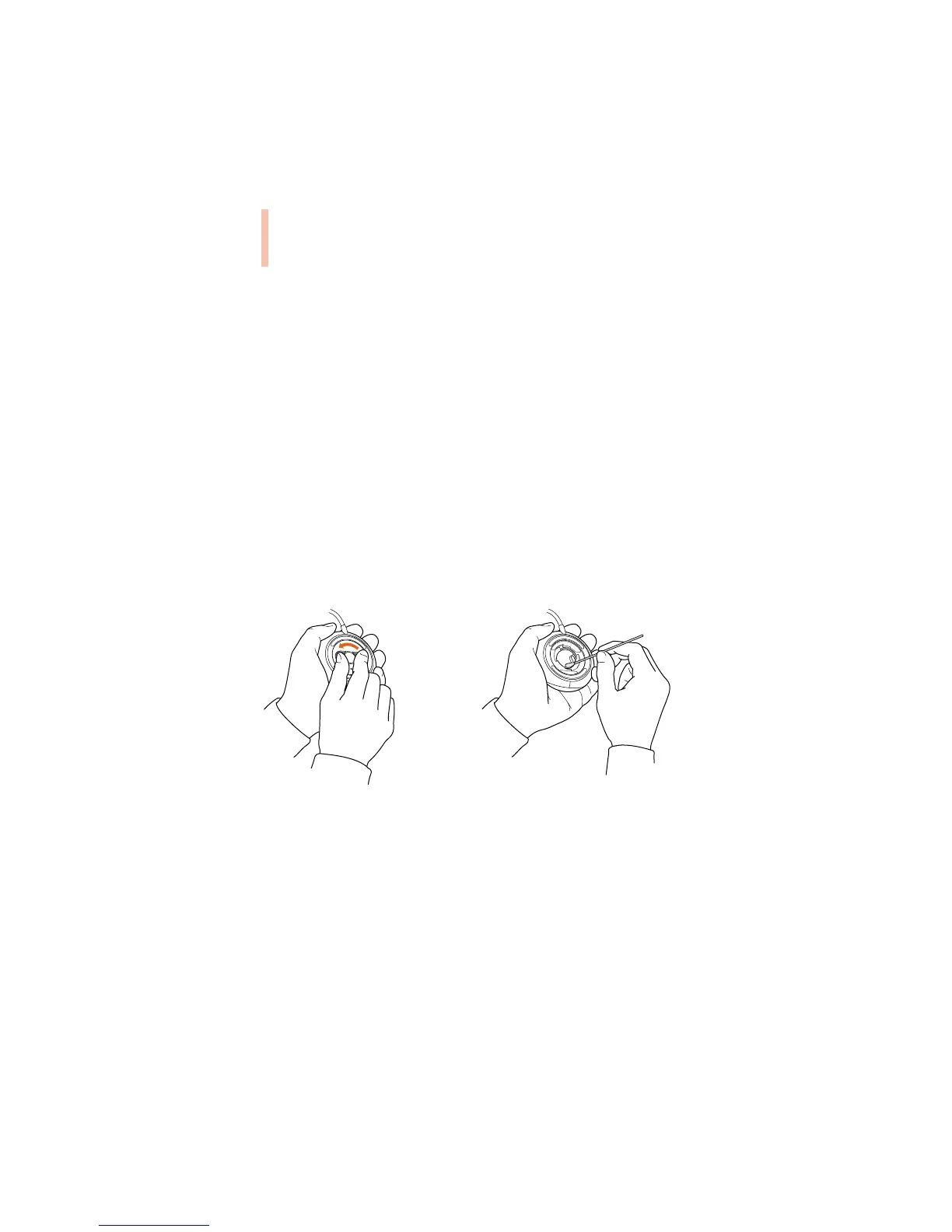
2 Tu rn the mouse upside-down and turn the plastic ring on the bottom counterclockwise to
disengage it.
See the illustration below:
If the mouse is locked, see the next section, “Locking and Unlocking the Mouse,” for
instructions on how to unlock it.
3 Tu rn the mouse right-side up with one hand and catch the ring and the ball with your other
hand.
4 Clean the three small rollers inside the mouse with a cotton swab moistened with water.
Rotate the rollers to clean all around them.
5 Wipe the mouse ball with a clean, soft, dry, and lint-free cloth.
6 If necessary, wash the mouse ball with warm soapy water (use a mild soap such as a
dishwashing liquid) and then dry the mouse ball thoroughly.
Warning Do not clean any part of your monitor with a cleaner that contains alcohol or
acetone. Never spray cleaner directly onto the screen. Liquid could drip inside the
monitor and cause electrical shock.



 To Next Page