Chapter 4 Adding Memory to Your Computer 53
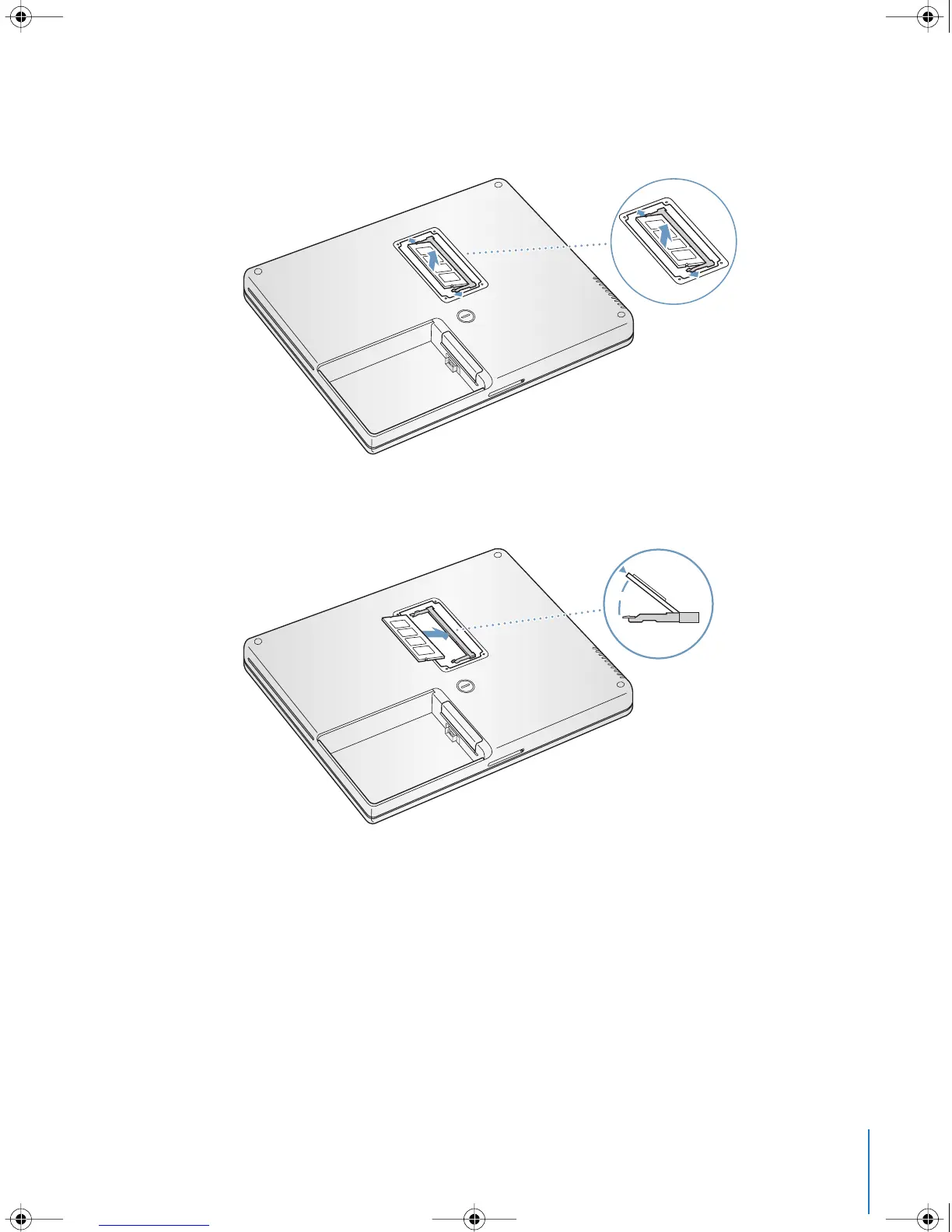
4 If you already have a memory card installed in the slot, remove it. Spread the tabs in
the slot away from the notches in the memory card. The card should pop up slightly.
5 Insert the new memory card into the slot at a 30-degree angle. Push the card to seat it
fully into the slot.
30
O
LL2540.book Page 53 Thursday, March 11, 2004 2:20 PM



 To Next Page