99 - iBook G4 (12-inch Mid 2005) Take Apart
Optical Drive
12. Install the replacement optical drive, and reassemble and test the computer.
Replacement Note:
When installing the replacement optical drive, align the front of
the drive bezel to the outer edge of the frame first. Make sure the screw holes align.
Check that the felt at the slot opening is even and not mashed.
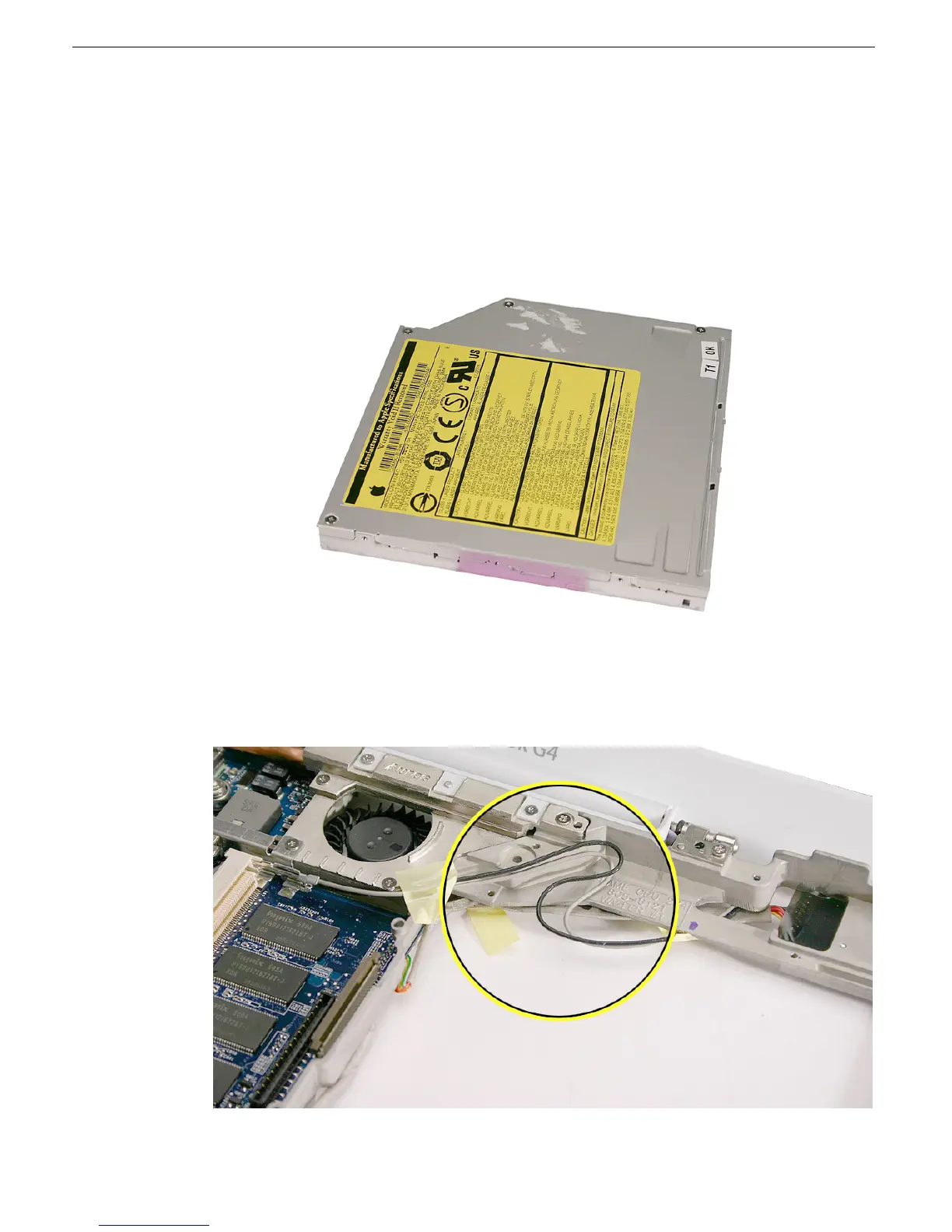
Important: Before installing the drive, check that the antenna cable routing matches
the gray and black cable routing pictured below.



 To Next Page