iBook G4 (12-inch Mid 2005) Take Apart - 100
How to Remove a Stuck Disc from the Slot-Load
How to Remove a Stuck Disc
from the Slot-Load Drive
The following instructions explain how to remove a disc that is stuck in the slot-load optical
drive.
Important: When a disc becomes stuck in the slot-load optical drive, it makes the drive
unusable. Make sure you have a replacement drive available.
Tools
This procedure requires the following tools:
• ESD wriststrap and mat
• #0 Phillips screwdriver
• Black stick (or other nonconductive nylon or plastic tool)
Preliminary Steps
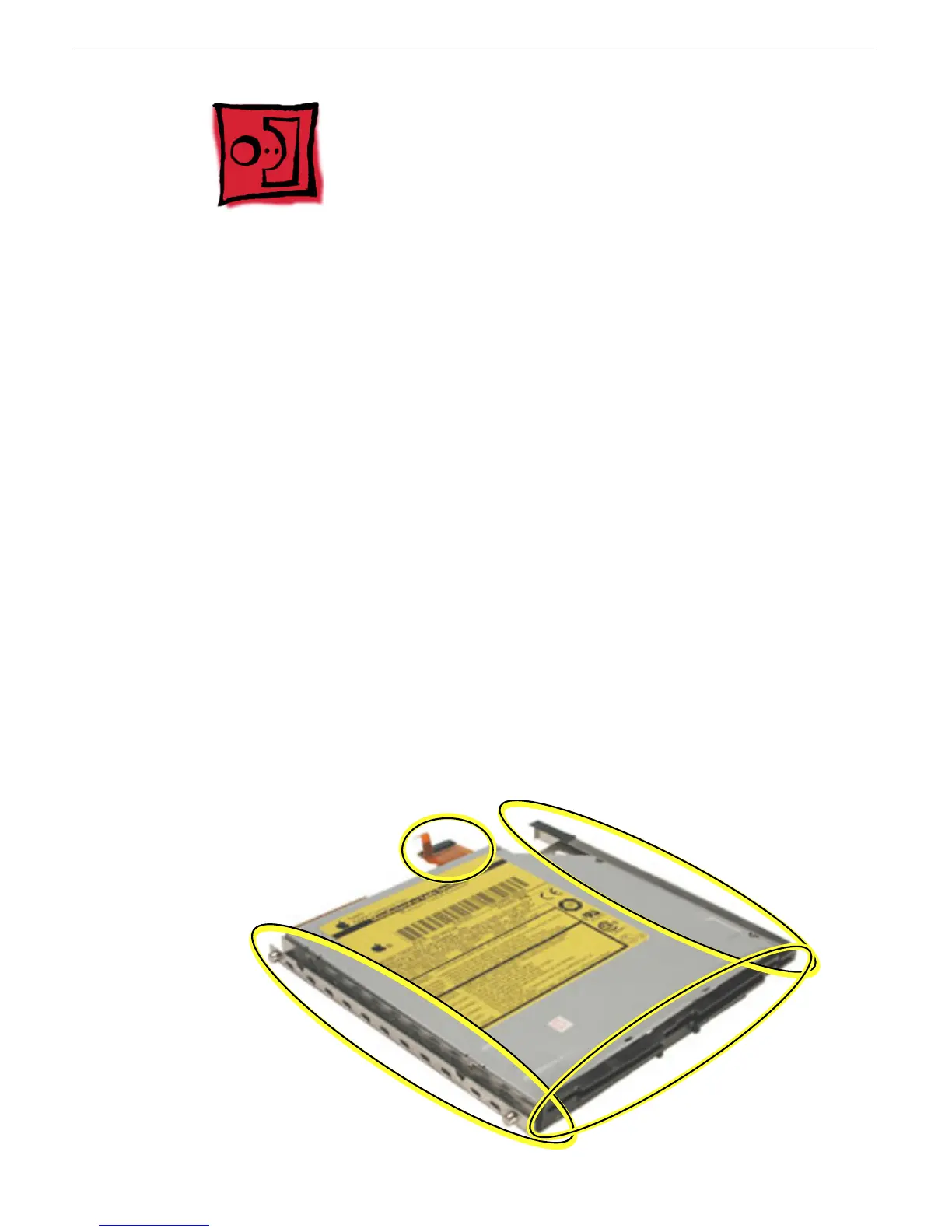
Before you begin, remove the optical drive from the computer. If brackets, a cable, and a
faceplate are attached to the drive, use a screwdriver and black stick to remove them.
Note: The following image shows a sample drive with brackets, cable, and faceplate
attached. Your drive might have a different appearance.



 To Next Page