iBook G4 (12-inch Mid 2005) Take Apart -
16
Keyboard and RAM Shield
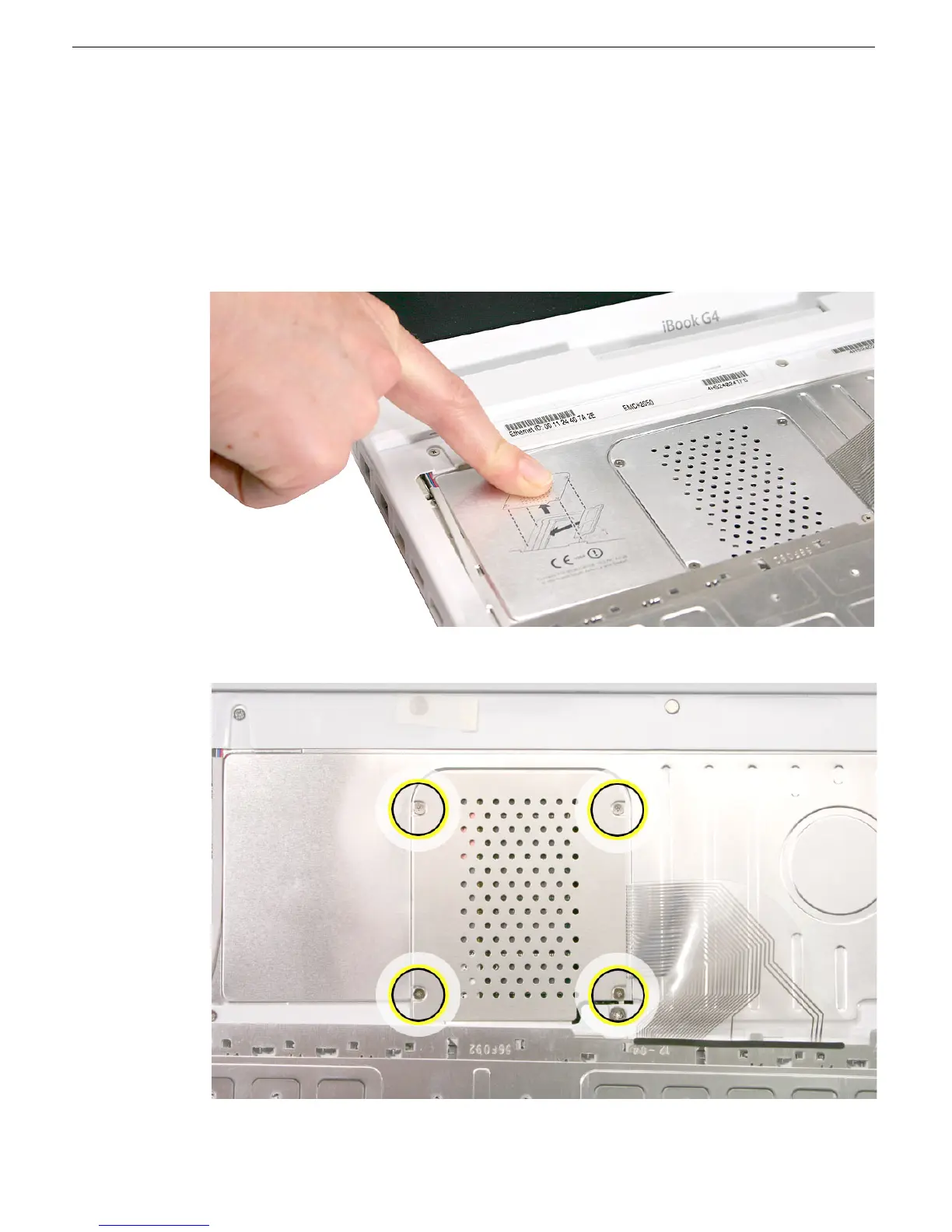
5. Touch a metal surface on the inside of the computer to discharge any static electricity,
as shown.
Important:
To avoid electrostatic discharge damage, always ground yourself by
touching the computer’s framework before you touch any parts or install any
components inside the computer. To avoid static electricity building back up in your
body, do not walk around the room until you have completed the installation and
closed the computer.
6. Loosen the four captive screws that secure the RAM shield.



 To Next Page