19 -
iBook G4 (12-inch Mid 2005) Take Apart
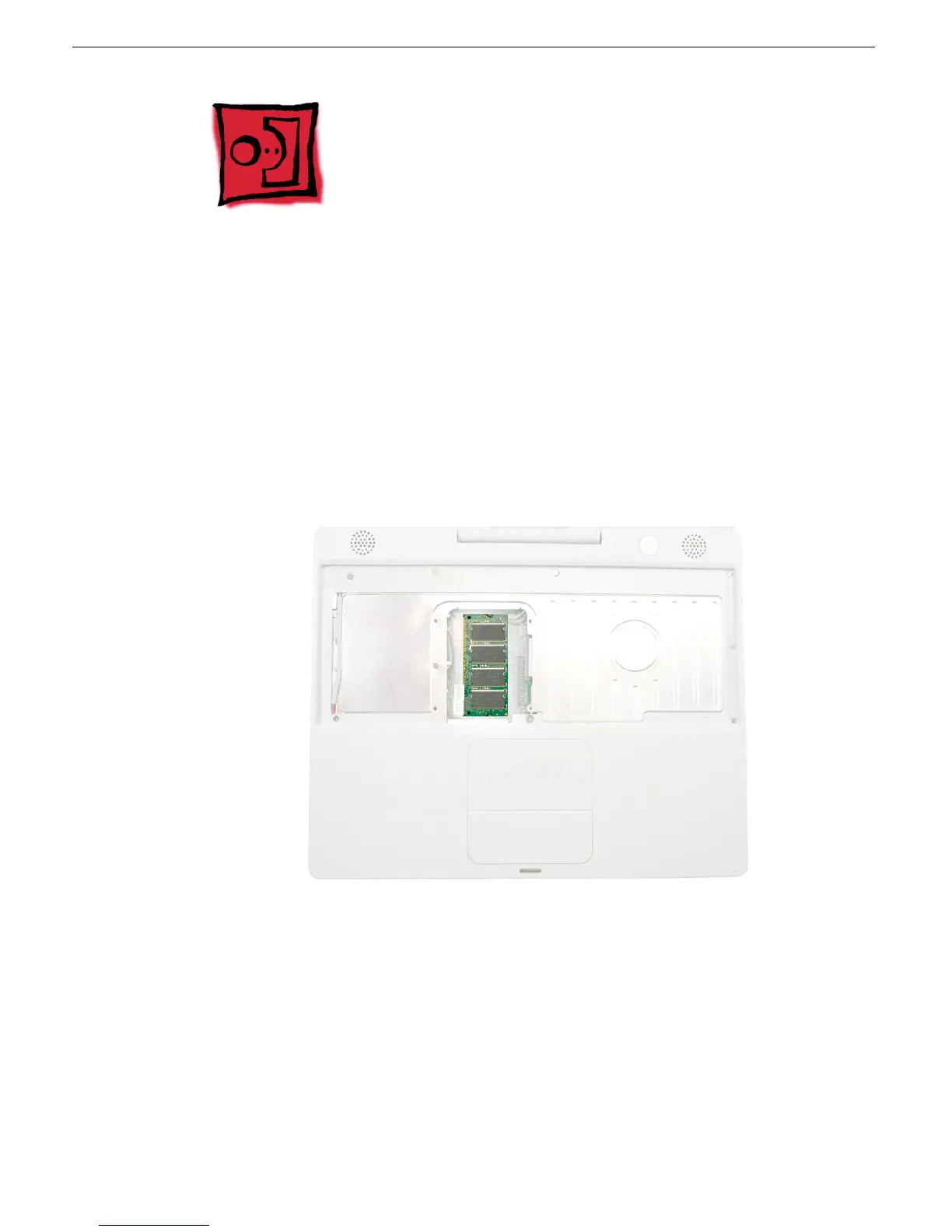
Memory Card
Memory Card
Warning: Memory cards come in various specifications. Only install memory cards
that are approved for this computer.
Tools
No tools are required for this procedure.
Part Location
Preliminary Steps
Before you begin, remove the following:
• Battery
• Keyboard and RAM shield (but do not disconnect the keyboard cable)



 To Next Page