iBook G4 (12-inch Mid 2005) Take Apart -
18
Keyboard and RAM Shield
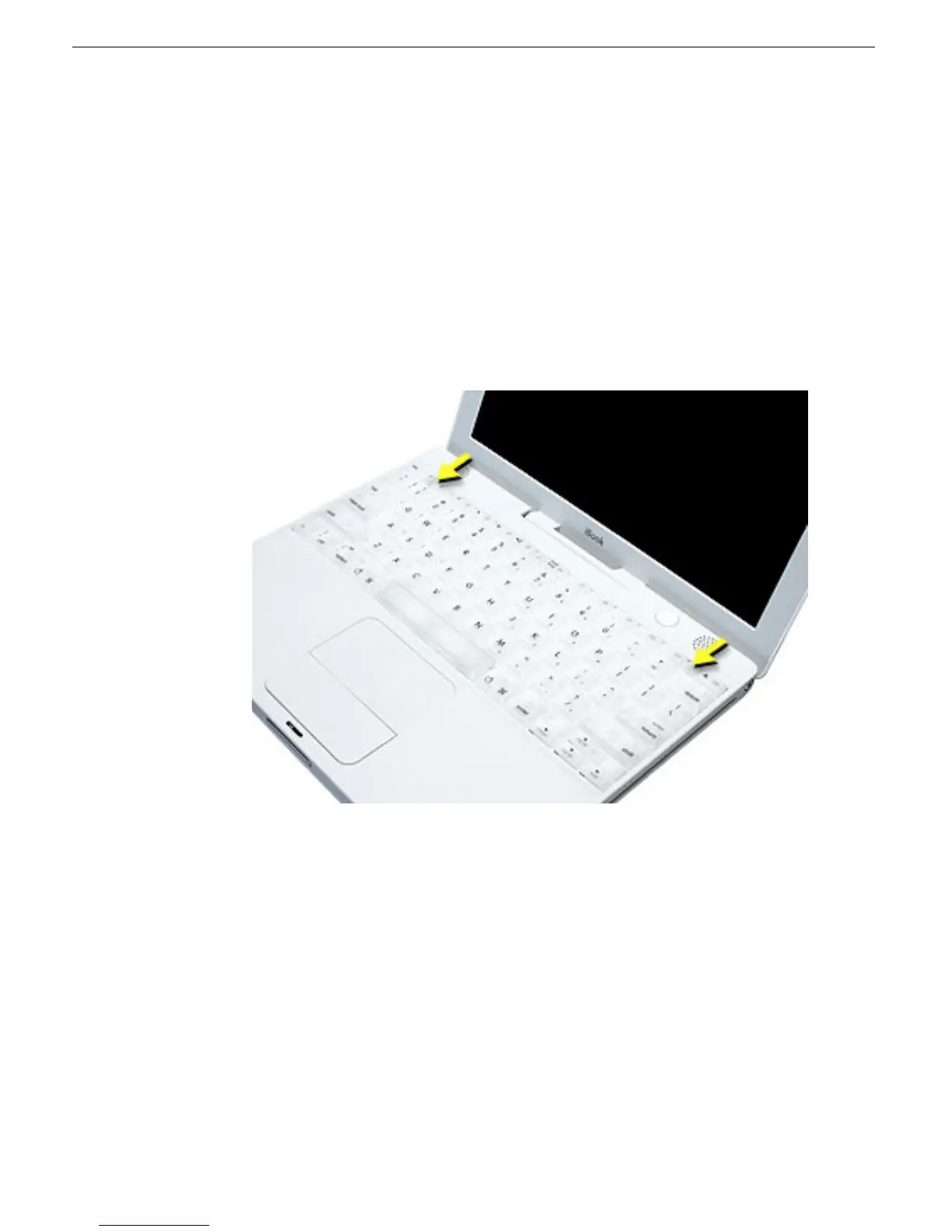
10. Install the replacement keyboard and RAM shield.
Make sure the replacement keyboard is firmly seated:
• Flip the keyboard back toward the keyboard opening in the case.
• Hold the keyboard at a 45-degree angle above the keyboard opening, and insert
the tabs on the bottom edge of the keyboard into the slot under the edge of the
opening.
•
Important:
Make sure that all the tabs are seated and that the keyboard rests flush
against the edge of the opening.
• Lay the keyboard flat into the keyboard opening.
• Pull down on the keyboard release tabs and then press down on the top portion of
the keyboard.



 To Next Page