39 - iBook G4 (12-inch Mid 2005) Take Apart
Fan
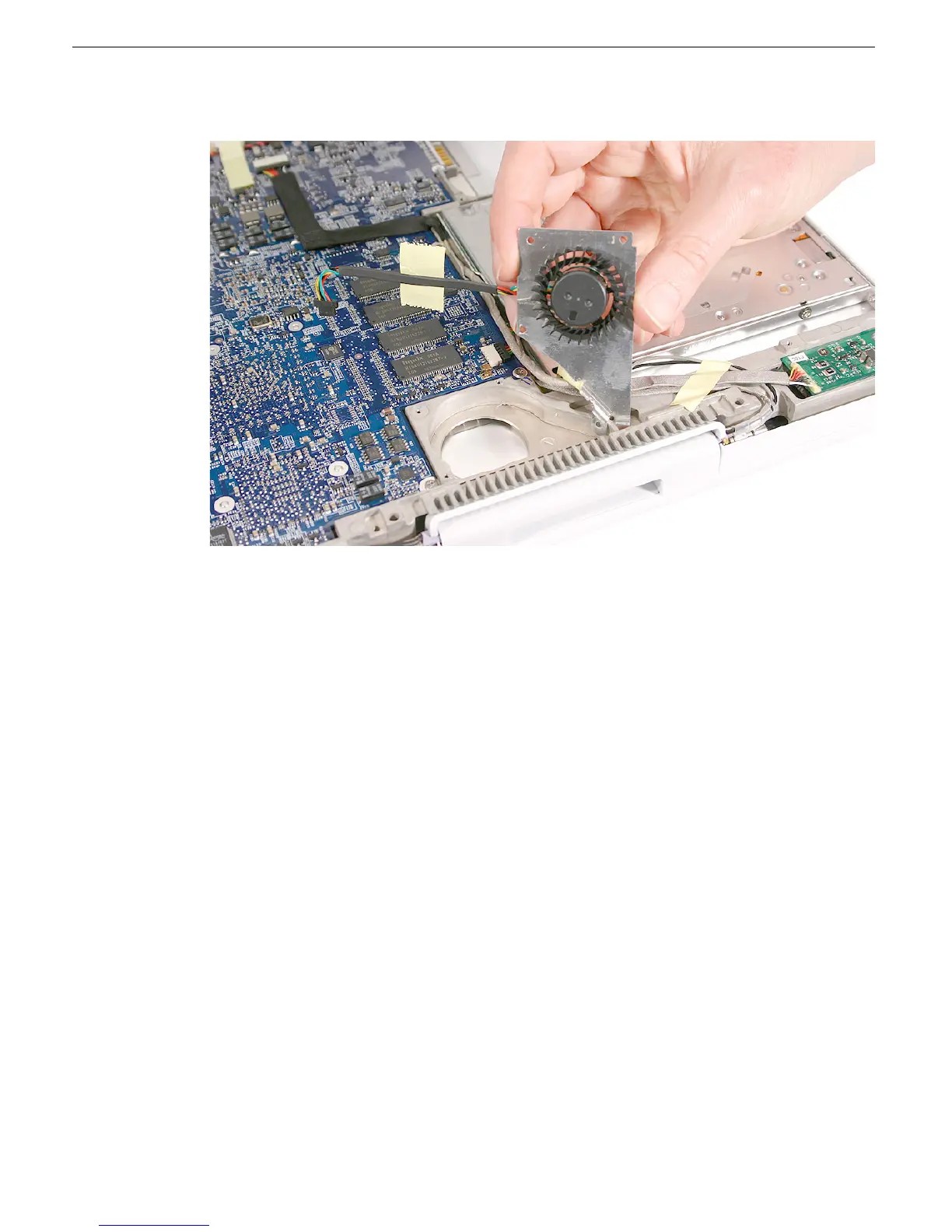
4. Lift the fan from the computer frame.
5. Install the replacement fan, and reassemble and test the computer.
Replacement Note: Before installing the fan, make sure it is securely connected,
and fresh tape is applied.
Replacement Note: When reassembling the computer, check the tape at the
replacement fan. Make sure no tape is not blocking the fan blade movement.



 To Next Page