iBook G4 (12-inch Mid 2005) Take Apart - 44
Top Case
6. Use a soft cloth to protect the computer.
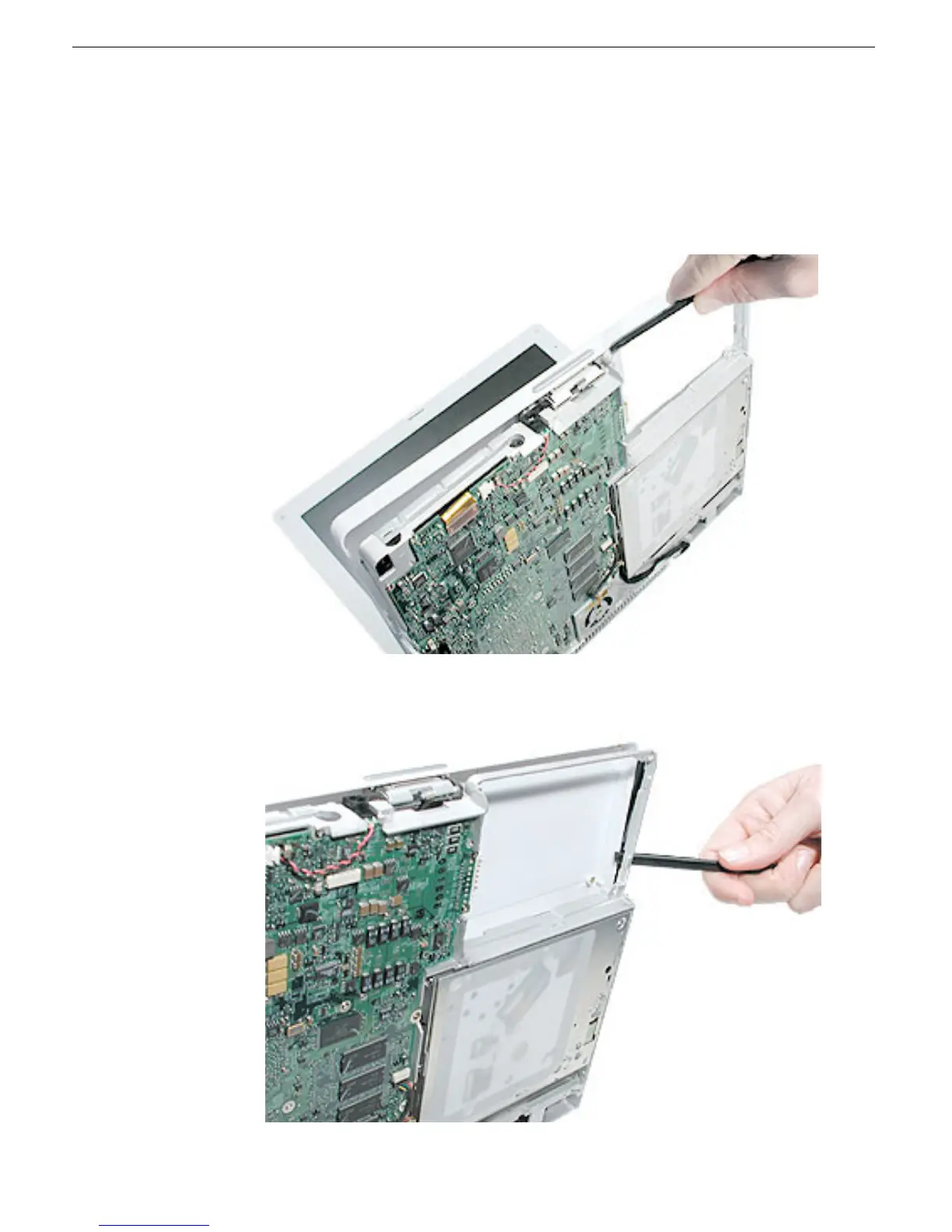
7. Using a black stick, begin to carefully separate the top case from the computer
assembly.
Reposition the computer as you work around the top case to open up the seam that
joins the top case and bottom case.
8. While continuing to loosen the top case, use caution around the battery bay. If
necessary, flex the inner frame to release that corner of the top case.



 To Next Page