iBook G4 (12-inch Mid 2005) Take Apart - 58
Top Shield
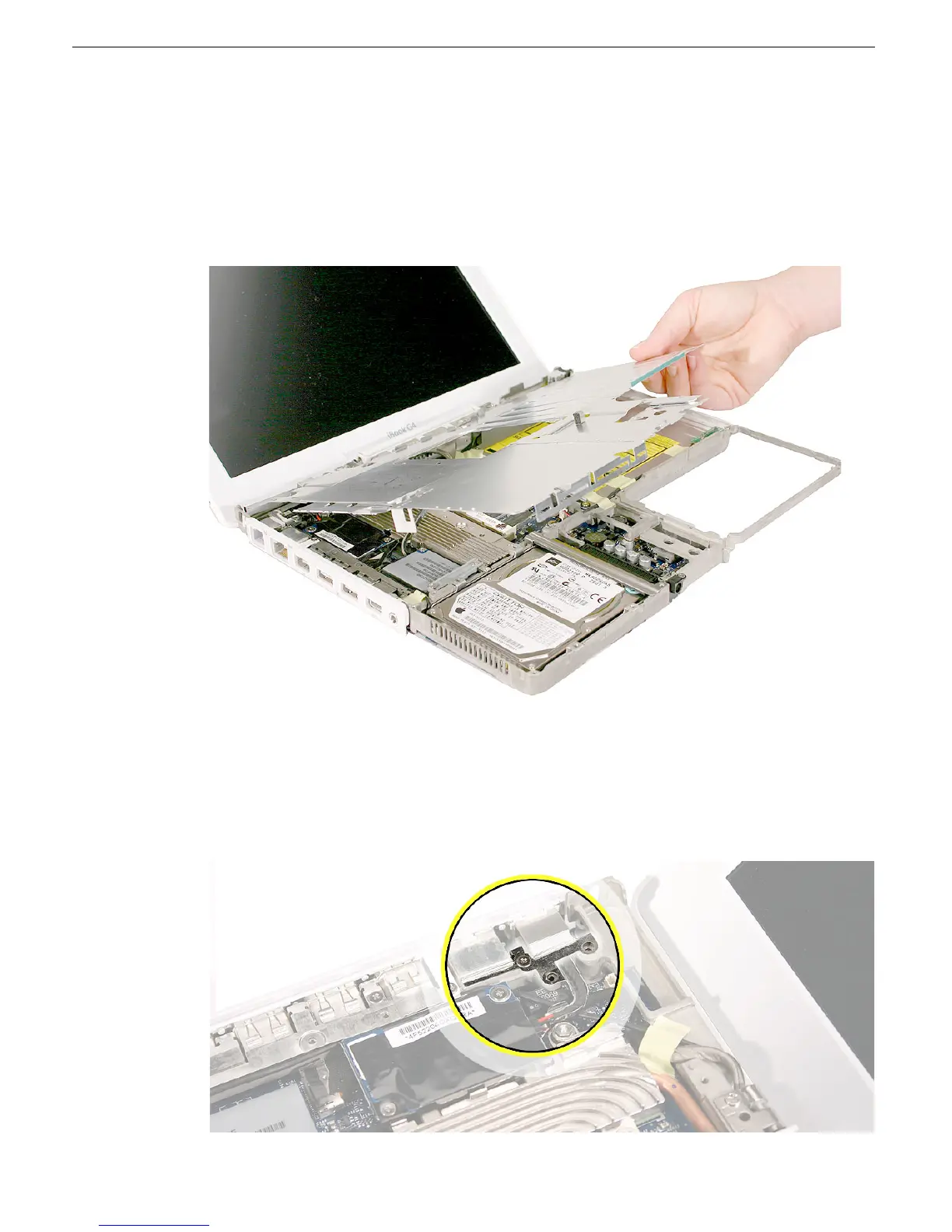
2. Using a black stick carefully peel up, but do not remove, any foil strips or pieces of
tape.
Note:
When reassembling the computer, reuse the foil and tape to secure the
replacement top shield.
Warning: Do not bend the top shield.
3. Lift off the top case.
4. Install the replacement top shield, and reassemble and test the computer.
Replacement Note: Before installing the top shield, check that the small EMI strip at
the RJ11 cable is installed.



 To Next Page