75 - iBook G4 (12-inch Mid 2005) Take Apart
Hard Drive
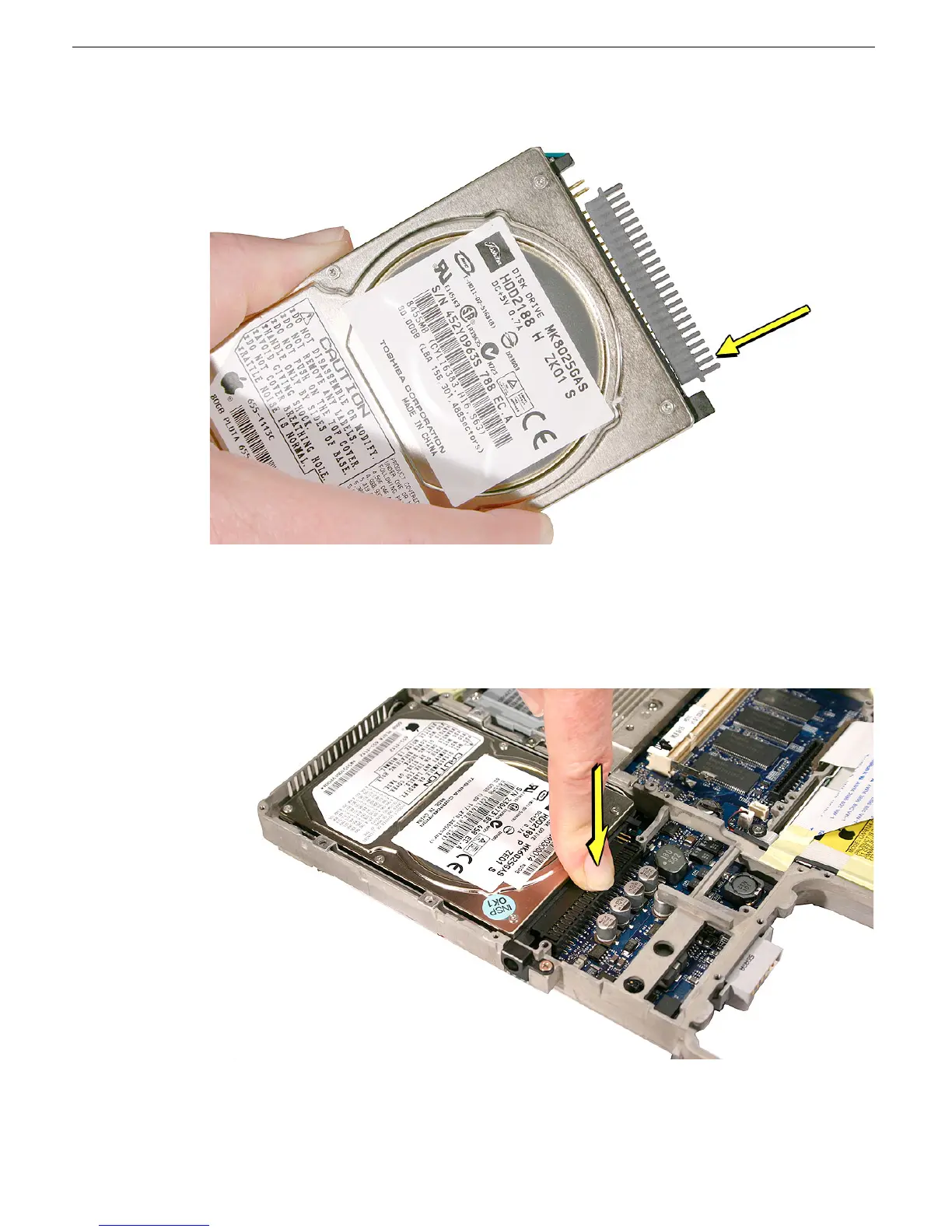
• Press the other end of the connector to slowly seat the connector all the way onto
the drive.
• Important: When setting the drive onto the logic board connector, tilt the drive
slightly so that the connector slots align properly. Then level the drive, and make
sure the brackets fit into the frame so that the grommets on the brackets match up
with the holes in the frame. With the drive aligned properly, press on the connector
to make sure it is fully engaged on the logic board.
• Replace the hard drive connector holder, and install the two screws. Then install
the four screws for the hard drive brackets.



 To Next Page